What Should I Do If There Are Bright or Colorful Lines on My Nebula Solar/ Solar Portable/ Vega Portable?
If there are bright or colorful lines on your Nebula Solar/ Solar Portable/ Vega Portable, perform a factory reset via the following steps:
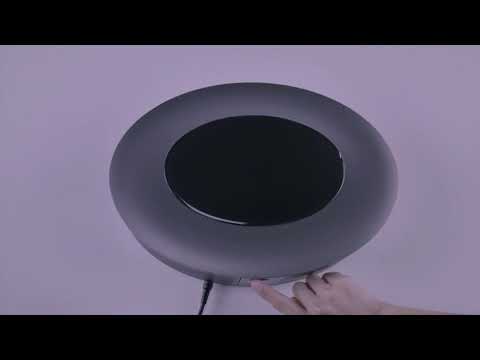
Hold the Power button to turn on your projector until the power light turns white (about 8 seconds).
Remove your finger and wait until the Android Recovery page appears.
Select "Wipe data / Factory reset."
If you continue to see bright or colorful lines in your projector display, please contact Nebula customer service. Please include a photo or short video showing the issue and mention that you have tried the recommended steps. This will help us find a solution for you much faster.