How to View eufySecurity Cameras on a Computer
You can view your eufy cameras on your computer instead of needing your phone!
Please access the web portal to view cameras on a desktop. To log in on a desktop, simply enter the same email address and password that you use to log in to the eufy app. Here is the link for your reference: https://mysecurity.eufylife.com/
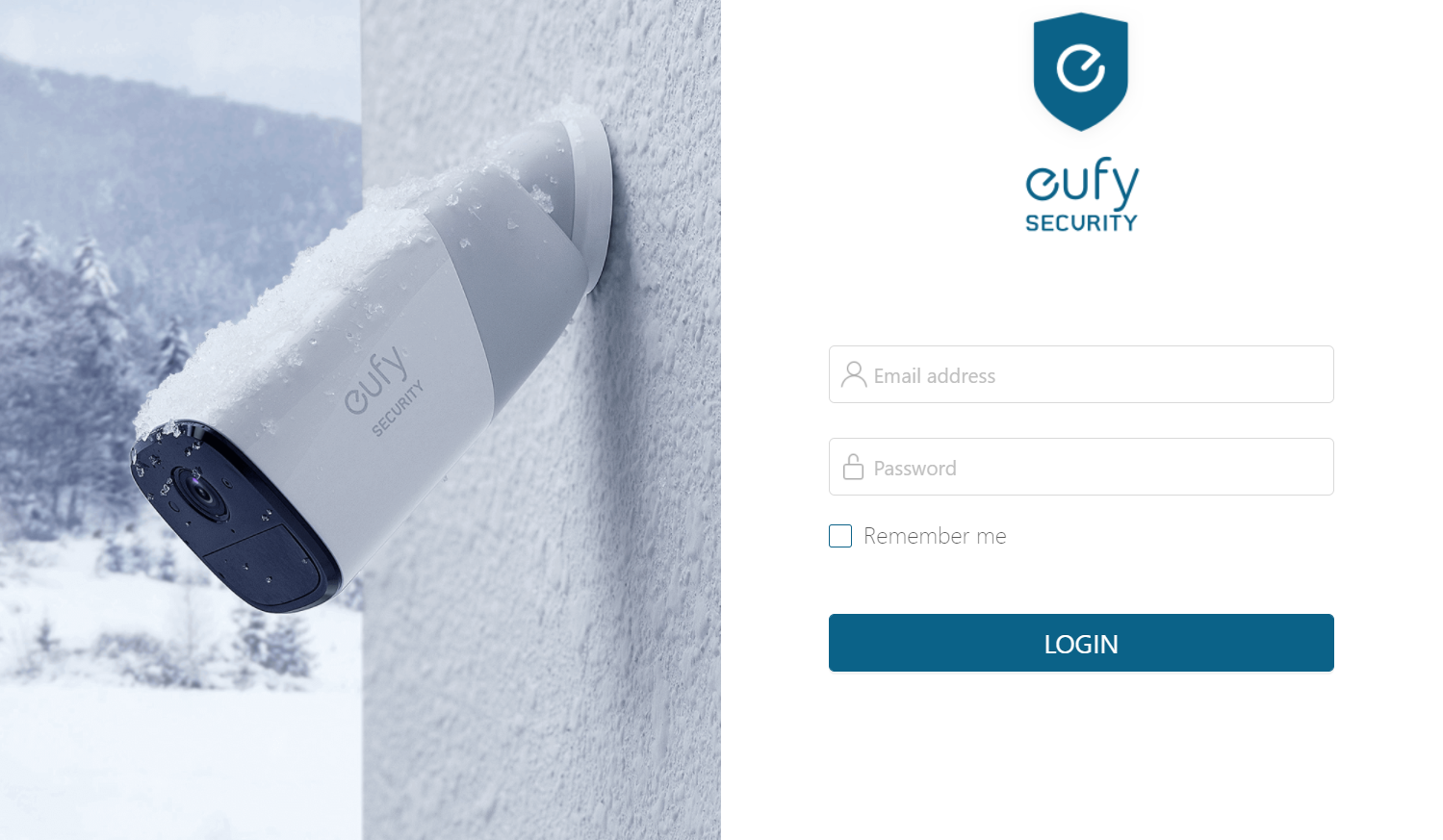

If you have any other questions regarding how to view eufySecurity cameras on a computer, please contact us for further assistance.

How to View eufySecurity Cameras on a Computer


0 undefined
EU Declaration of Conformity for soundcore A3i_A3992
A3961 QSG V2(1)
UK&CA Declaration of Conformity for soundcore Liberty 4_A3953
EU Declaration of Conformity for soundcore Liberty 4_A3953
A3947_Liberty 4 NC_QSG
Liberty 4_A3953_QSG
View More


How to use Liberty 4 Wellness features

How to Wear Liberty 4 and Change Eartips

How to Pair and Reset Sport X10

How to solve a connection issue on Sleep A10

How to Connect to the Soundcore App and Update Firmware for Sport X10

How to Use Features On the Soundcore App for Sport X10
View More


