How to Update the Firmware on Android TV Projector?

To achieve the peak performance of your projector, it is highly recommended to keep its firmware up to date all the time.  


For your Nebula projector which is running Android TV system like Capsule II, Prizm II Pro, Cosmos, Cosmos Max, Solar, Solar Portable or Vega Portable, you can simply update your Nebula's firmware by going to Settings > Device Preferences > About > System Update. Please note we can't update the Android TV version of the projector. 


If you cannot update the firmware properly, please contact us for further assistance.


Unresolved icon
20 undefined
Download icon
D2121_Vega_Portable_EU_Declaration_of_Conformity_1
Download icon
D0413_Remote_UK_Declaration_of_Conformity
Download icon
D0413_Remote_EU_Declaration_of_Conformity_1
Download icon
D2150_Cosmos Max_QSG
Download icon
D2140_Cosmos_Declaration of Conformity
Download icon
D2150_Cosmos Max_Declaration of Conformity
View More
Play video
How to Set Up an Android TV Projector
Play video
How to Cast Content from My Android Phone on Android TV Projectors
Play video
Setting Up the Bluetooth Remote on Android TV projectors
Play video
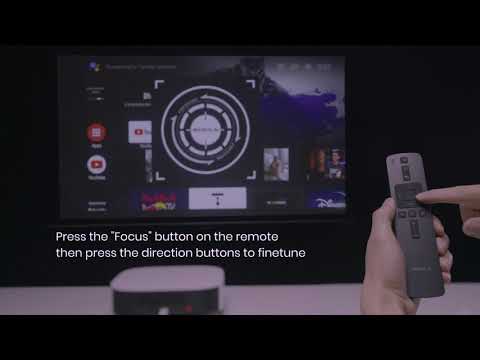
Auto & Manual Focus on Android TV projectors
Play video
Auto and Manual Keystone Correction on Android TV Projectors
Play video
Bluetooth Speaker Mode on Nebula projectors
View More
Contact Us