How to Install and Use Hulu on Android Projectors

Currently, a direct way is unavailable for installing and using Hulu on Nebula's Android projectors unfortunately.

In order to install and use Hulu on Android projectors like Mars II, Mars II Pro, Capsule, Capsule Max, Apollo and Astro, please contact us (
support@seenebula.com) and provide the system version of your Nebula projector.
steps:
Settings > General > About > System Version
 

Unresolved icon
20 undefined
Download icon
【D2323】【MARS2 PRO】EU Declaration
Download icon
D2410_Apollo_EU_Declaration_of_Conformity
Download icon
D2400_Astro_EU_Declaration_of_Conformity
Download icon
D2323_Mars_II_Pro_UK_Declaration_of_Conformity
Download icon
D2400_Astro_Manual
Download icon
D2410_Apollo_Manual
View More
Play video
How to Cast Content from my iOS Phone on Android Projectors
Play video
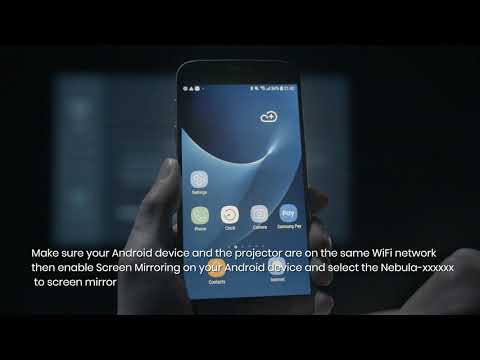
How to Cast Content from My Android Phone on Android Projectors
Play video
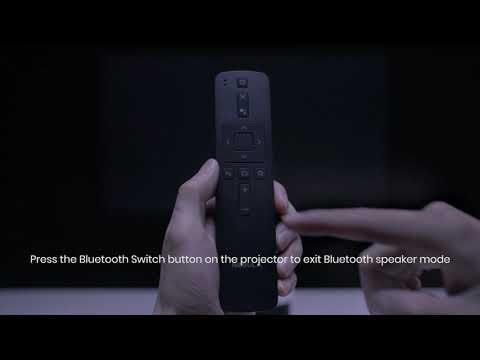
Bluetooth Speaker Mode on Nebula projectors
Play video
Auto and Manual Focus on Android Projectors
Play video
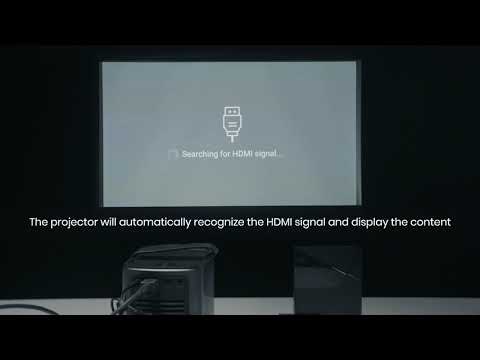
How to Connect to a TV Box on Android Projectors
Play video
How to Set up Android projectors
View More
Contact Us