How to Connect the Anker Nebula to Your Nebula Projector?
To connect the Anker Nebula on your phone to your Nebula projector, please follow these steps: (taking Nebula Apollo as an example):
1. Install the Anker Nebula from the App Store or Google Play Store on your phone.
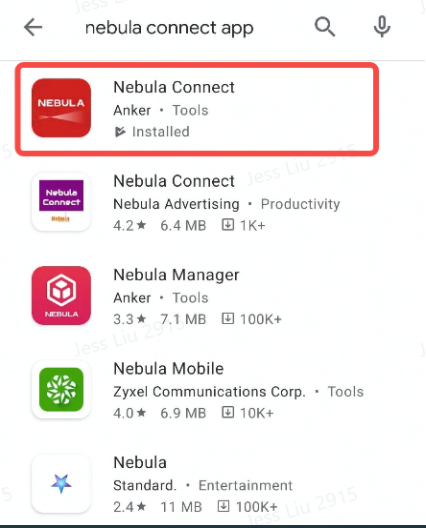
2. Turn on Bluetooth on your phone
Note: If you own an Android mobile phone and a Nebula Capsule II, make sure that your phone and Capsule II are under the same WiFi network.
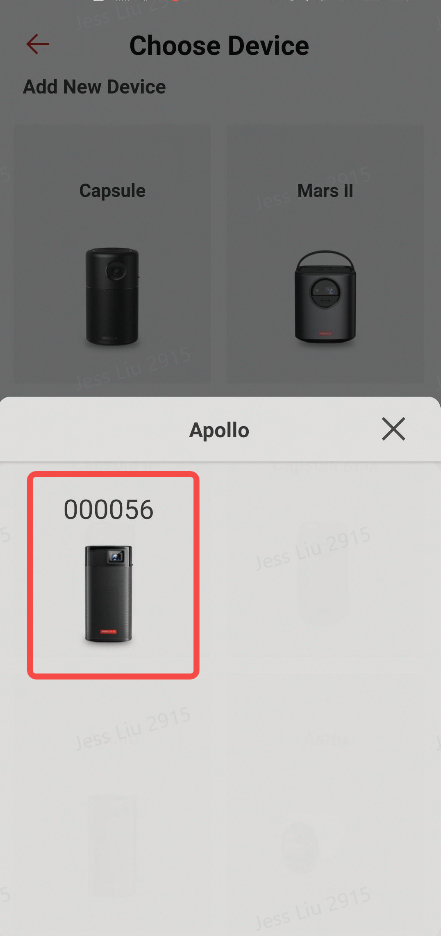
3. Choose the device you own to connect (make sure you choose the correct model).

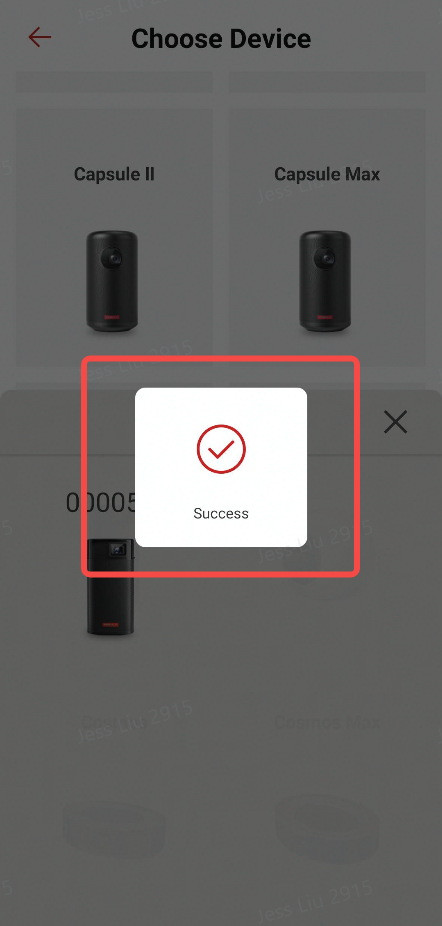
4. Once they are connected successfully, you can control the projector with the Anker Nebula.
If you have additional questions, please contact us for further assistance.


20 undefined
Nebula Warranty Policy


Factory Resetting Your Projectors
What is Aspect Ratio?
The Difference Between Lumen and ANSI Lumen
The Operating System (Android TV VS. Andriod)
What Should I Do if My Projector Loses Focus?
What is Projector Resolution?
What is Projector Offset?
Tips to extend the lifespan of your Nebula battery

【D4112】NEBULA Capsule Air EU Declaration
【D2342】NEBULA Cosmos 4K SE EU Declaration
【D2351】NEBULA X1 EU Declaration
【D2325】 Nebula Mars 3 Air EU Declaration
【D2425】Nebula Capsule 3 EU Declaration
【D2323】【MARS2 PRO】EU Declaration
View More

How to Set Up an Android TV Projector
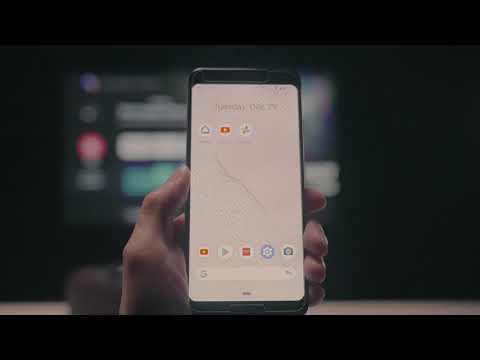
How to Cast Content from My Android Phone on Android TV Projectors
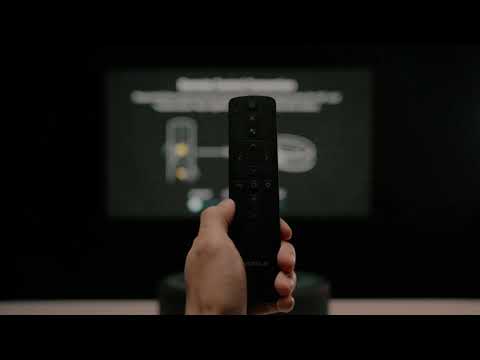
Setting Up the Bluetooth Remote on Android TV projectors
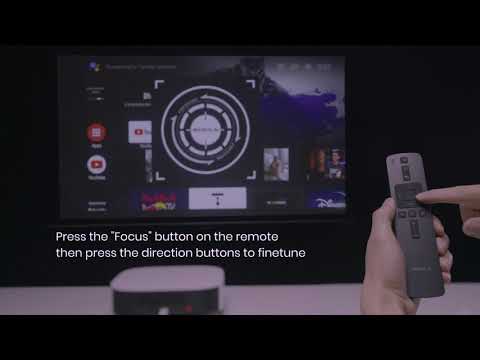
Auto & Manual Focus on Android TV projectors
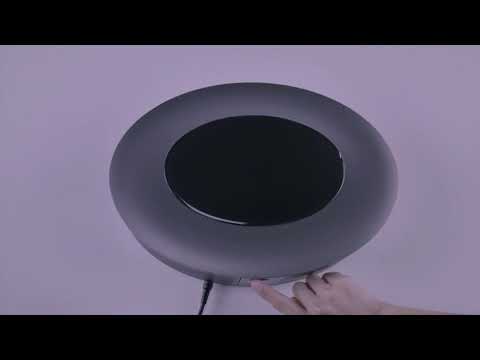
Auto and Manual Keystone Correction on Android TV Projectors

How to Cast Content from my iOS Phone on Android Projectors
View More


