How do I set up PowerConf C300?
1. Plug the USB-C connector of the included USB-C cable into the USB-C port of the webcam.
2. Plug the USB connector into an available port on your computer.
- Plug-and-play support will let your computer instantly recognize the webcam.
- If your computer does not instantly recognize the webcam, try plugging it into a different USB port or restarting the computer.
3. Open the software you want to use with the webcam.
- The LED will light up when the webcam is in use by an app.
- You may need to select this webcam and its built-in microphones in the settings of your specific software.


20 undefined
AnkerWork Warranty Policy


PowerConf C300 A3361 FAQ
How do I install PowerConf C300?
How do I set up the privacy cover on PowerConf C300?
Does PowerConf C300 support Bluetooth connectivity?
How do I select PowerConf C300 and its built-in microphones in the settings of the specific software I am using?
Does PowerConf C300 support 60 fps?
Does PowerConf C300 support AI features?

PowerConf C300 A3361 Declaration of Conformity
PowerConf C300 A3361 Quick Start Guide
PowerConf C300 A3361 Manual

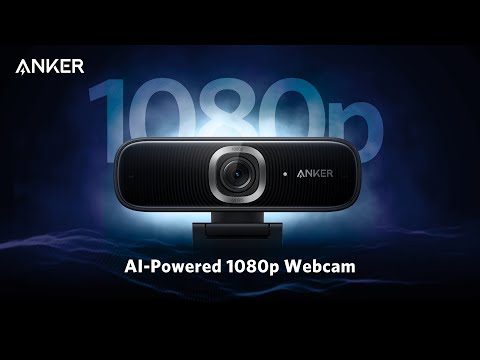
How To Setup Anker PowerConf C300


