Why do the touch controls on P41i feel unresponsive?
This article will show you how to properly use the soundcore P41i touch controls.
1. Keep your hands clean and dry.
2. Make sure you're touching the designated touch area, where the logos are.
3. For a double-tap, tap quickly. For a single tap, wait a moment between taps.
If you encounter any other issues or your issue has not been resolved, please contact us for further assistance.


20 undefined
How to Register Your E-Warranty Card in the Soundcore App


soundcore P41i Earbuds FAQ
What should I do if I experience discomfort after using the soundcore P41i for prolonged use?
How to Fix soundcore P41i Earbuds Pairing Issues?
What do the icons on the case screen mean?
What should I do if I hear noise while using Transparency mode?
How do I reset soundcore P41i?
What should I do if there is a delay in playback between the soundcore P41i and the device?

soundcore P41i User Guide (A3937)
soundcore P41i Benutzerhandbuch (A3937)
soundcore P41i Руководство пользователя (A3937)
soundcore P41i Guide de l'utilisateur (A3937)
soundcore P41i Gebruikersgids (A3937)
soundcore P41i Användarhandledning (A3937)
View More

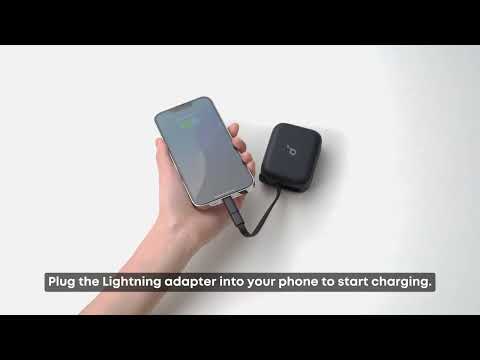
[All in one] How to Use soundcore P41i
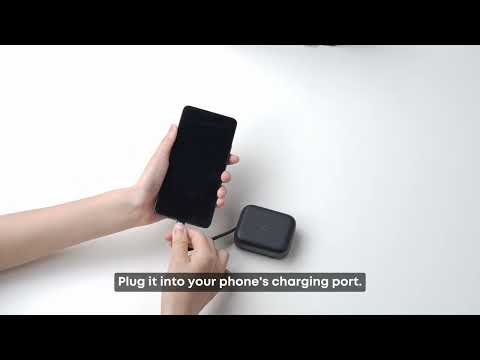
How to charge a phone with the charging case (without Type-C to Lightning adapter)
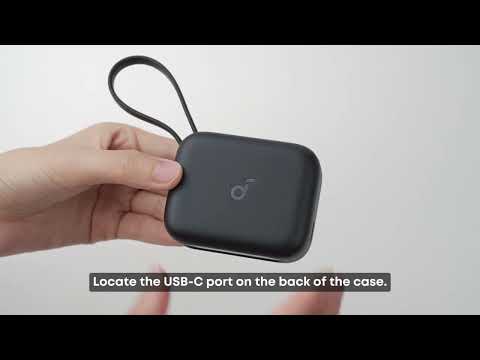
Two methods to charge the charging case
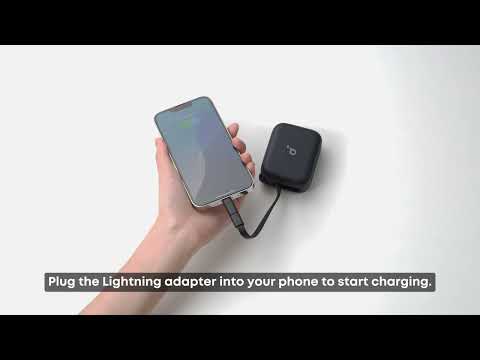
How to charge a phone with the charging case (with Type-C to Lightning adapter)


