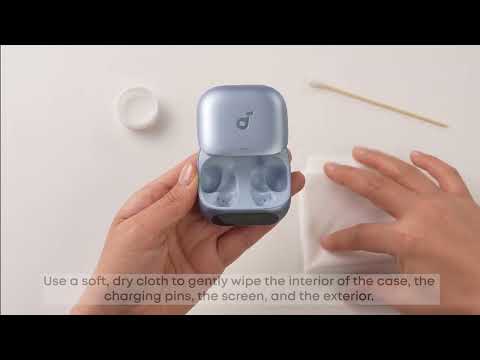
The seal of the earbuds affects ANC performance. You can try the following to improve noise cancellation:
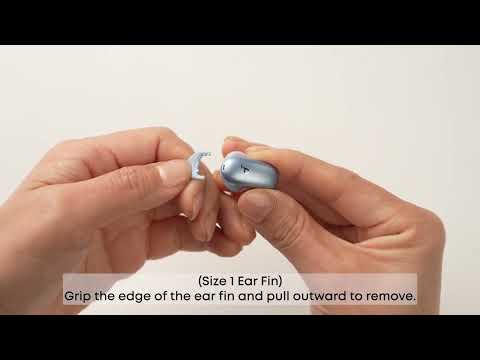
1. Try different sizes of ear wings/ear tips to ensure a snug fit and tight seal. If one size doesn't fit well, try different sizes for each ear (e.g., M tip on the left, L tip on the right).
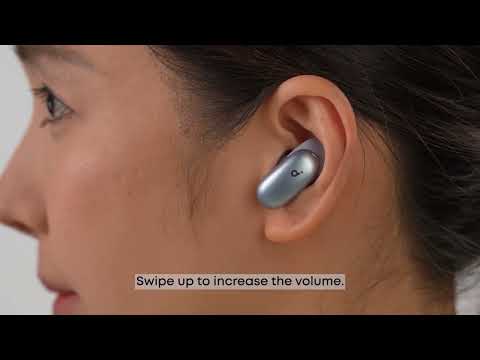
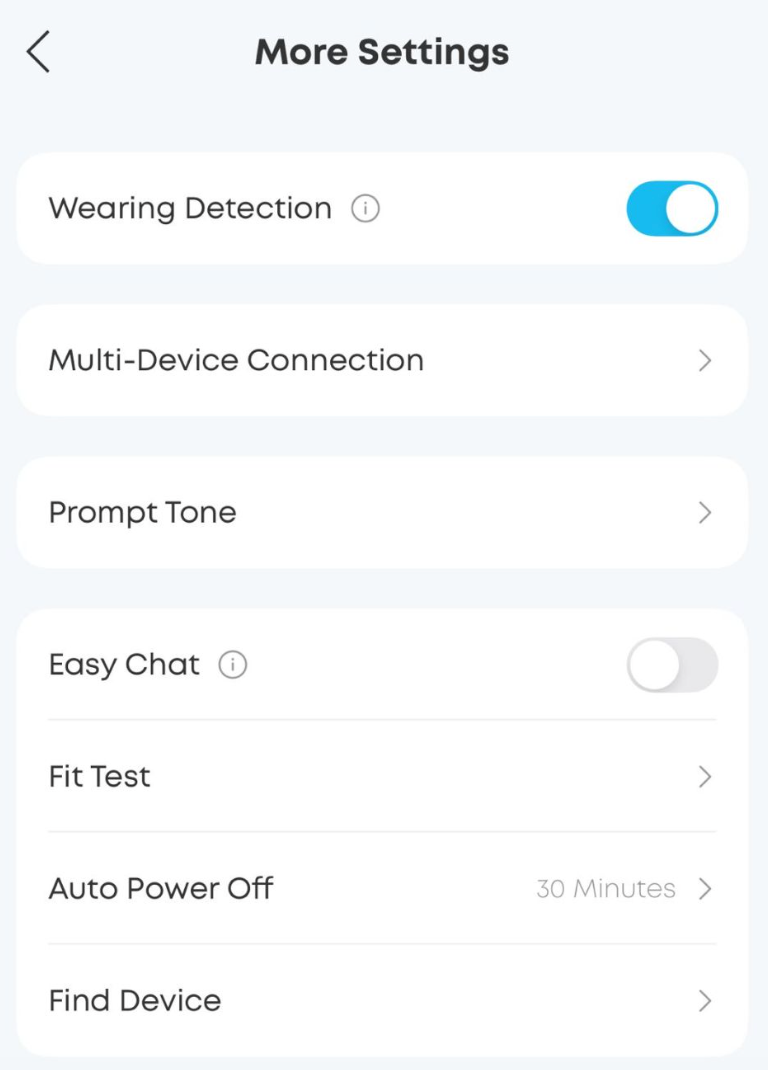
2. Make sure the earbuds are worn correctly for a tight seal to ensure optimal ANC functionality. To check for the optimal fit, run the Fit Test in the soundcore app (App > Earbud Home > More Settings > Fit Test). A poor fit will affect ANC performance.
3. Test the earbuds in different environments to see if the issue is environment-related.
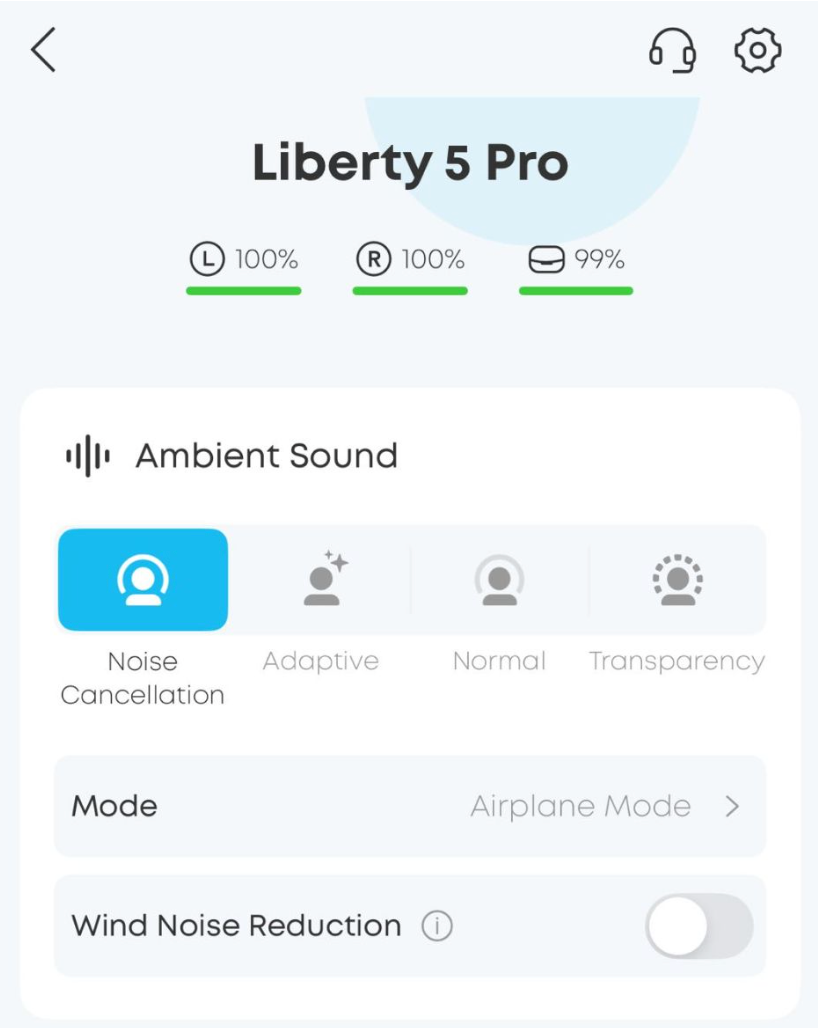
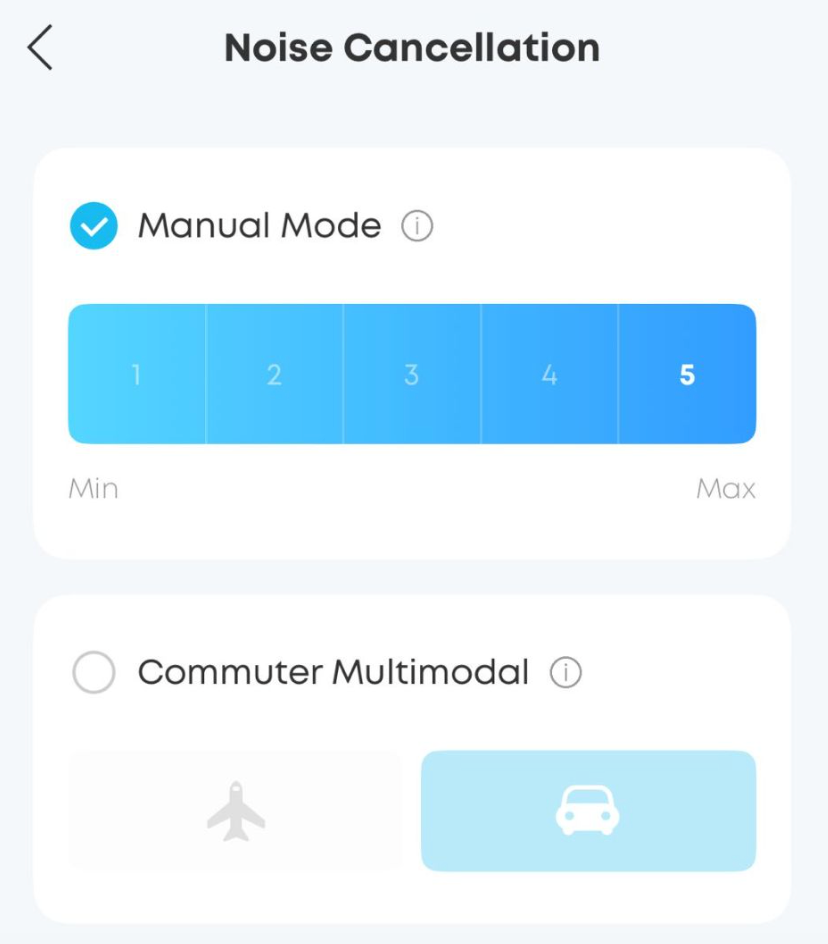
4. If you're still not satisfied with Level 5 ANC, try Airplane Mode in the app by going to: App Home > Ambient Sound > Noise Cancellation mode > Commute Multi-Mode (includes Airplane/Car) > Airplane Mode.
Note:
1. ANC cannot completely eliminate ambient noise, especially in noisy environments. There may still be some residual noise.
2. It takes a few seconds for ambient sound modes to adjust and stabilize when switching modes; this is normal.
If you encounter any other issues or your issue has not been resolved, please contact us for further assistance.