Sound quality on Anker Liberty Buds 2 is shaped by three things you can control directly: how well the ear tips seal, which EQ setting you're using, and whether you're using LDAC. This article walks through each.
Check the Seal First
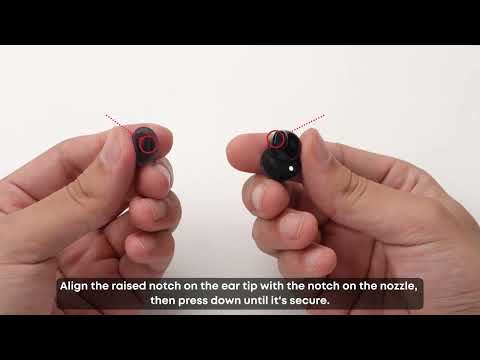
An ear tip that doesn't fully seal lets bass escape before it reaches your ear, which is the most common reason sound comes across as thin or weak. If one ear feels secure and the other doesn't, it's common for the two ears to need different tip sizes — see "How to Get a Secure, Comfortable Fit with Anker Liberty Buds 2" for how to test and adjust this.
Try a Different EQ Preset
The soundcore app includes several curated EQ presets built for different listening preferences. In the app, go to HearID > Curated Sound Effects and try a few — Powerful Bass, for example, is tuned to add low-end weight if that's what you're after. You can also build a custom EQ curve from the same menu if none of the presets match what you want.
Note: When EQ is enabled, Dolby Audio and Game Mode are not available.
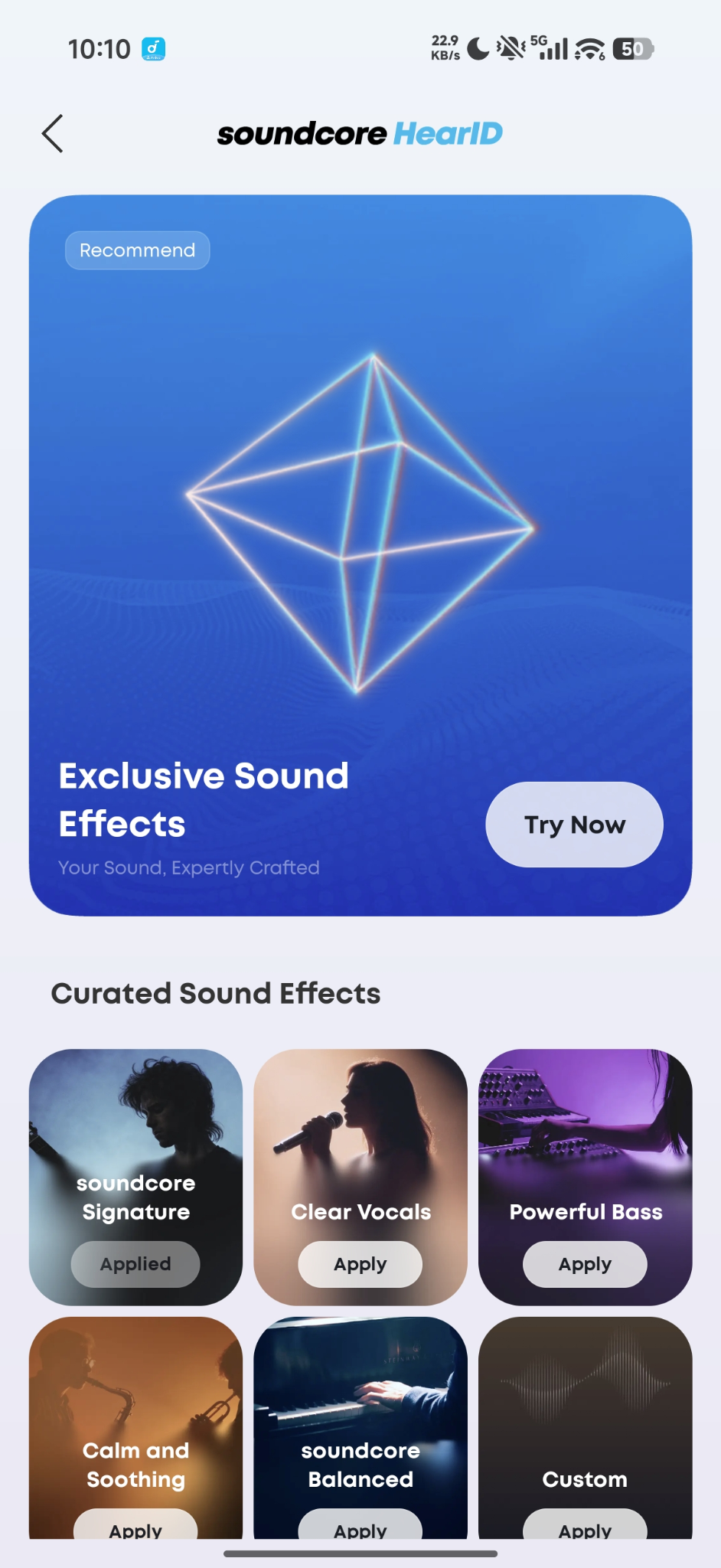
Setting Up HearID
1. Log in to your soundcore account in the app.
2. Tap HearID Sound to start the hearing test.
3. Your results are saved and applied automatically once the test finishes.
Turn On LDAC for Higher Resolution Audio
If you're on a supported Android device, enabling LDAC (Settings > Sound Mode) sends more audio detail over the Bluetooth connection than standard codecs. The trade-off is that it uses more battery and can occasionally introduce brief stuttering in busier wireless environments, so it's worth testing whether it's noticeably better in your setup before leaving it on all the time.
For IOS:
-
LDAC isn't available on iPhone, since iOS doesn't support the codec.
For Android phones:
-
Android phones: Go to Settings (top right) > Sound Mode in the soundcore app and select Sound Quality Priority (LDAC). Follow the prompts to upgrade the firmware.
-
Samsung phones: In addition to enabling LDAC in the soundcore app, you also need to manually enable the LDAC toggle in your phone settings. If LDAC does not work after enabling, go to your phone's Settings > About Phone, tap the build number 7 times to enter Developer Options, then check whether LDAC is available under Bluetooth Audio Codec.
Note:
-
When LDAC is enabled, Dolby Audio and Game Mode are not available.
-
When Dolby Audio is enabled, EQ, LDAC, and Game Mode are not available.
-
When Game Mode is enabled, EQ, LDAC, and Dolby Audio are not available.
If you encounter any other issues or your issue has not been resolved, please contact us for further assistance.