How to Fix Sleep A10 Not Connecting with the Anker soundcore app
Try the following steps to fix the issue of Sleep A10 earbuds not connecting with the Anker soundcore app:
1. Pair the earbuds with your phone. The Anker soundcore app is currently not available for computers.
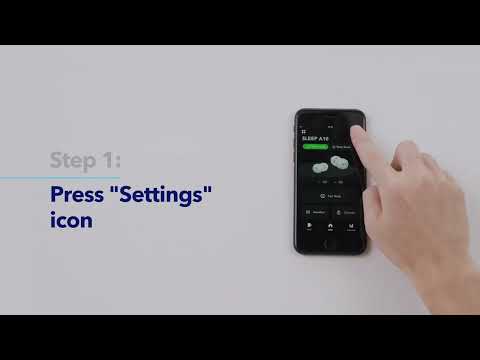
2. Open the Anker soundcore app, choose Add Devices > Headphones, Speakers, and Frames, to find your device.
3. If you cannot find Sleep A10 in the list, please choose Set up Manually > Sleep > Sleep A10.
4. If you cannot find Sleep A10 in the list, please update the app to the latest version (3.0.1 or above). Alternatively, you can uninstall and then reinstall the Anker soundcore app.
If the issue still persists, please email us and let us know which version of the Anker soundcore app you are using and the model of your phone so we can further assist you.