How to find the serial number(SN) of your soundcore products

For quality control and tracking purposes, Soundcore support staff may ask you for your product’s serial number (SN). Here, we will list all the SN locations for your reference.


PN / Model

SN Position

Picture

A3261 / A3451 / A3234 / A3235 / A3401 / A3236 / A3263 / A3260 / A3906 / A3901 / A3911 / A3902 / Z2000 / Z2010 / Z2001 / A3912 / A3201 / A3270 / A3271

On a silver tag attached to the USB charging cable that comes with the earbuds


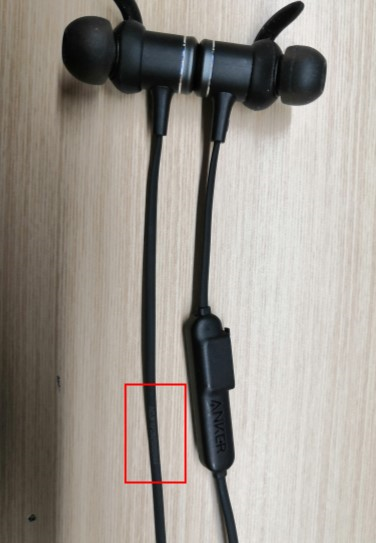
A3402 / A3403 / A3404 / A3410 / A3411 / A3412 / A3413 / A3212

On the earphone’s cable

A3405 / A3406

On the left earbud

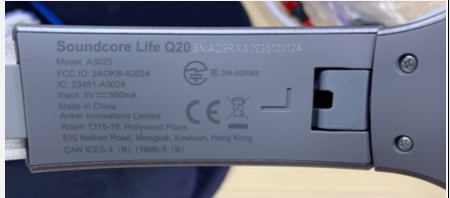
A3023 / A3025 / A3032 / A3028 / A3029

Etched on the inner L slider 


A3031

On a silver tag attached to the part below the left earcup (rotate anticlockwise)


A3201

On a silver tag attached to the part below the right earcup 


Or etched on the inner L slider, effective from 26th May


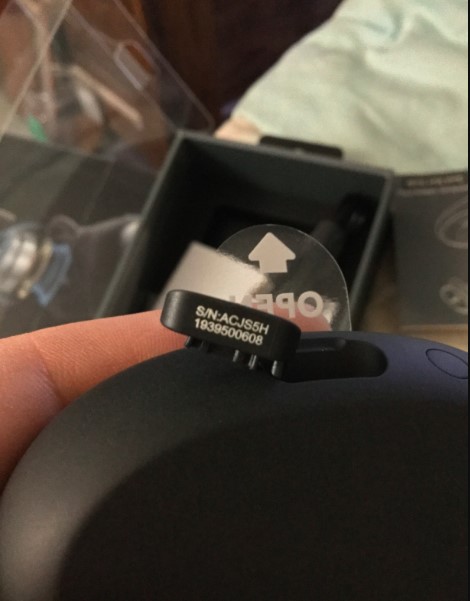
A3910 / A3922 / A3904 / A3930 / A3951

Printed inside the lid of the charging case


A3931 / A3935 / A3918 / A3909 / A3913

Printed inside the charging case cap


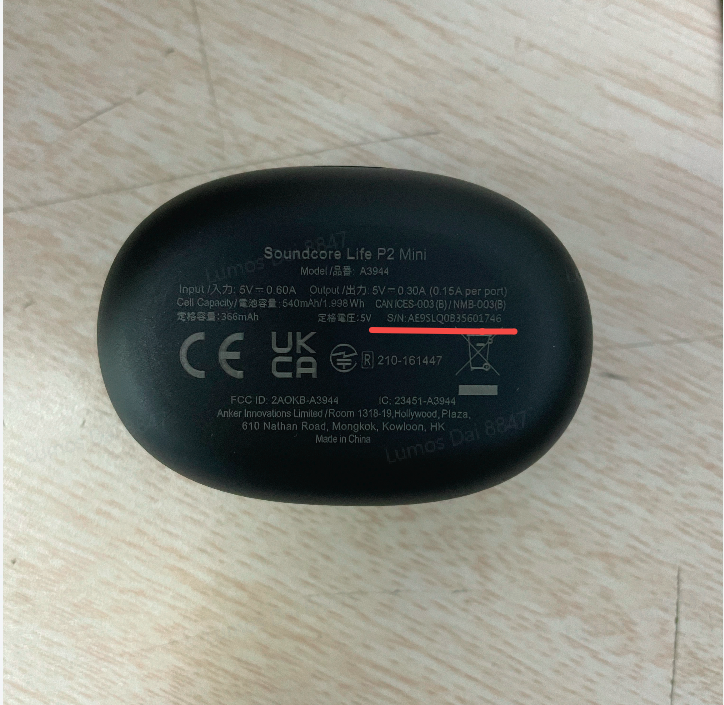
A3944 / A3945

Printed on the bottom of the charging case

A3919 / A3908 / A3927 / A3926 / A3939 / A3933

Printed inside the charging case hinge


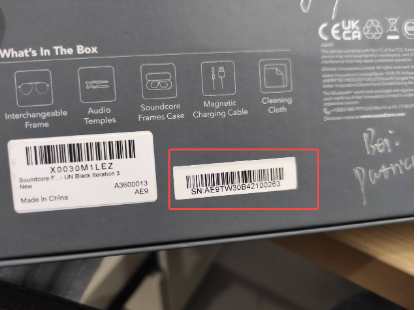
A3600

Printed outside the package box 

A3118 / A3119 / A3123 / A3122 / A3121 / A3145 / A3162 / A3163 / A3165 / A3167 / A31670 / A3126 / A3167 / Rave Series

On the inner charging cover (silver sticker)

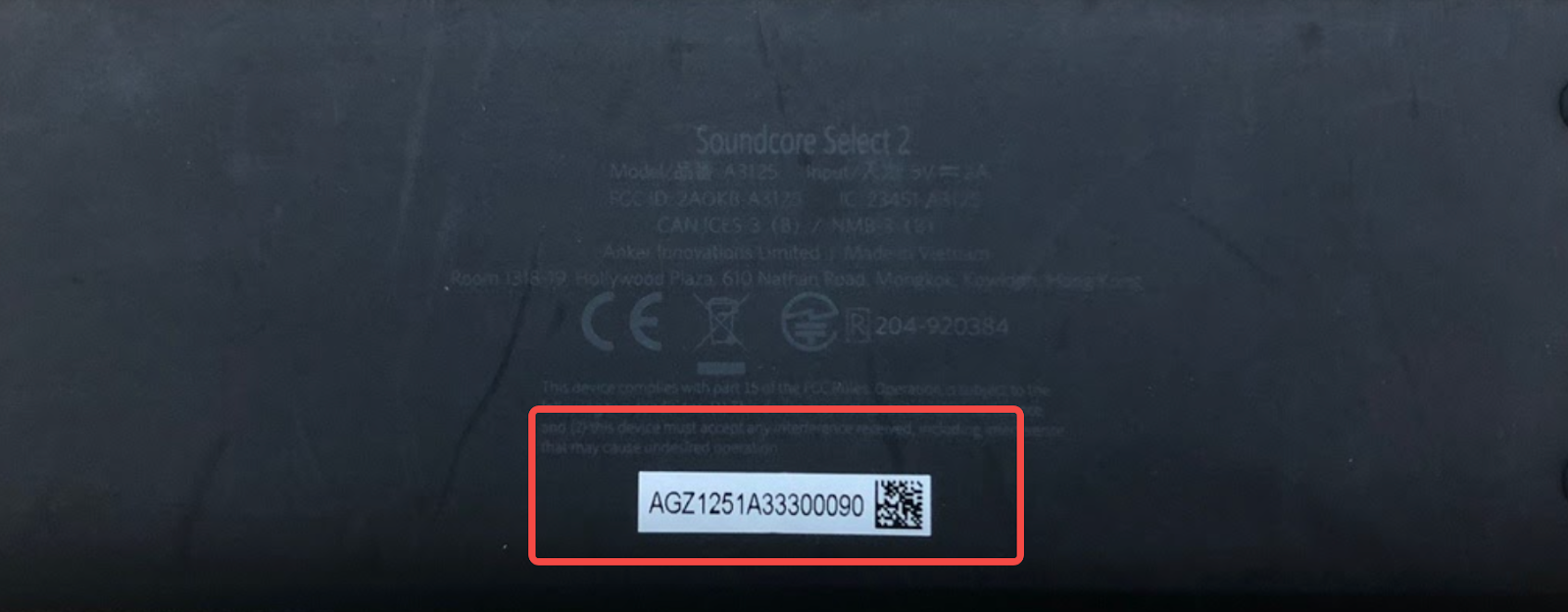
A3150 / A3151 / A3300 / Z5180 / A3109 / A3108 / A3125 / A3142 / A3102 / A3105 / A3117 / A3161

On the bottom of the speaker or on the silver sticker attached to the bottom of the speaker

A3107 / A3101

On the included charging cable

A3370 / A3371/ A3372

On the bottom of Soundbar


If you can't find the SN or the SN is illegible, a picture of the product itself with the Anker or Soundcore logo showing is also helpful. If you still have any questions, please contact us for further assistance.

How to find the serial number(SN) of your soundcore products
222 undefined
Unlock Our New Easy-To-Use Warranty Service
256387 views/361 likes/2025-04-08 16:02:12
soundcore parts and accessories
27133 views/1 likes/2025-04-08 16:00:05
Soundcore App Introduction
40365 views/3 likes/2025-04-08 16:00:37
How Do I Connect to the Soundcore App?
23590 views/3 likes/2025-04-08 16:00:47
How to reset a soundcore speakers
19437 views/8 likes/2025-04-08 16:00:34
How to Pair Two Soundcore 2 Speakers Together?
22346 views/2 likes/2025-04-08 16:02:02
Soundcore Warranty Policy
55849 views/10 likes/2022-10-13 11:05:11
How Do I Customize the EQ on my Speaker?
18593 views/1 likes/2025-04-08 16:00:04
soundcore speakers failed to connect with my devices
13326 views/1 likes/2025-04-08 15:56:00
How to Pair Two Soundcore Motion+ Speakers Together?
9305 views/3 likes/2025-04-08 16:00:47
A33A1_Rave Neo 2 SE_QSG (CA-Costco Customized Version)
A33A1 Rave Neo 2 SE Manual (CA-Costco Customized Version)
A33A1_Rave Neo 2_QSG
A33A1_Rave Neo 2_Manual
【A33A1】soundcore Rave Neo 2 EU Declaration
soundcore Rave Neo 2 User Guide (A33A1)
View More
How to pair Rave Neo 2 with Select Pro
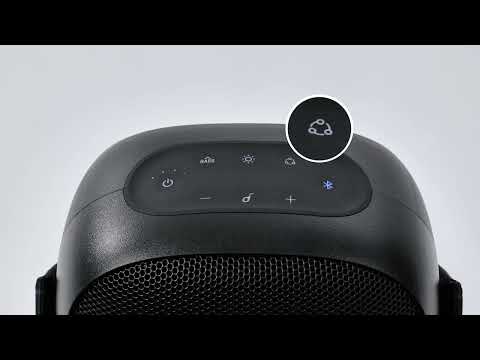
How to pair Rave Neo 2 with Rave Neo
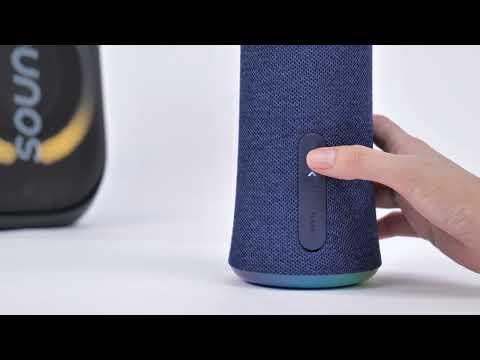
How to pair Rave Neo 2 with Flare 2
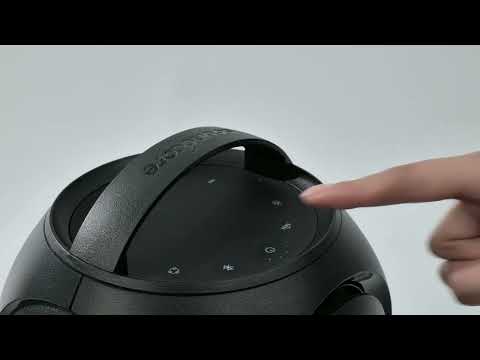
How to pair Rave Neo 2 with Rave PartyCast
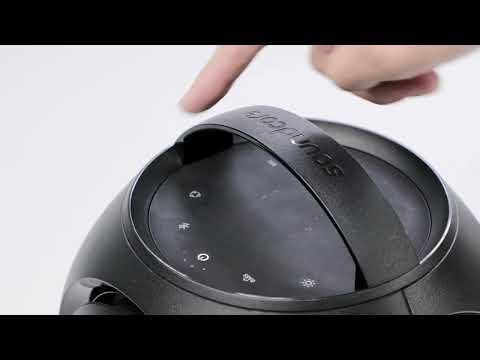
How to pair Motion Boom Plus with Rave PartyCast
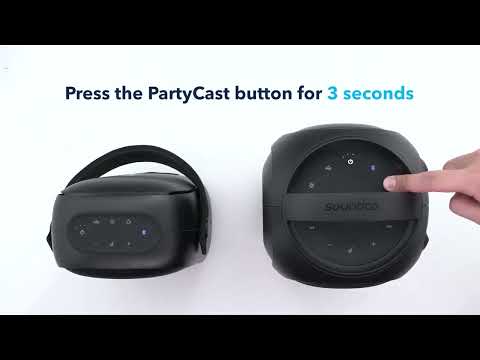
How to pair Rave Neo, Rave PartyCast, and Trance Go Speakers via PartyCast
View More
Contact Us