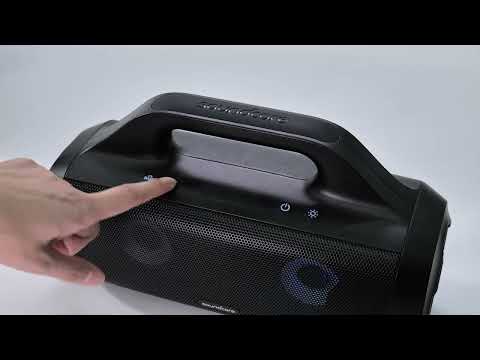
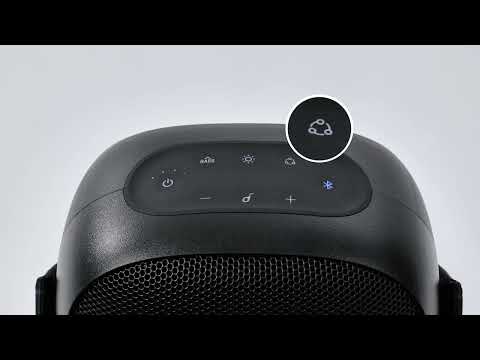
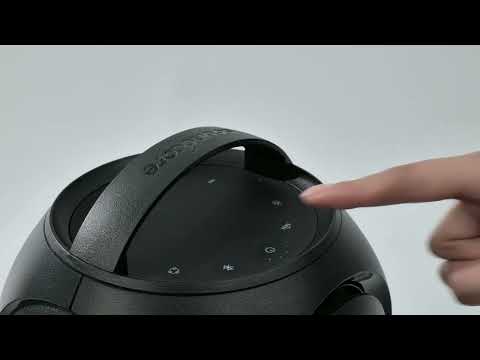
How Do I Connect to the Soundcore App?

The free Soundcore app allows users to access additional product features and easily adjust product settings from your mobile device. Find out which products work with the app and how to get it.

1. Get the Soundcore App.

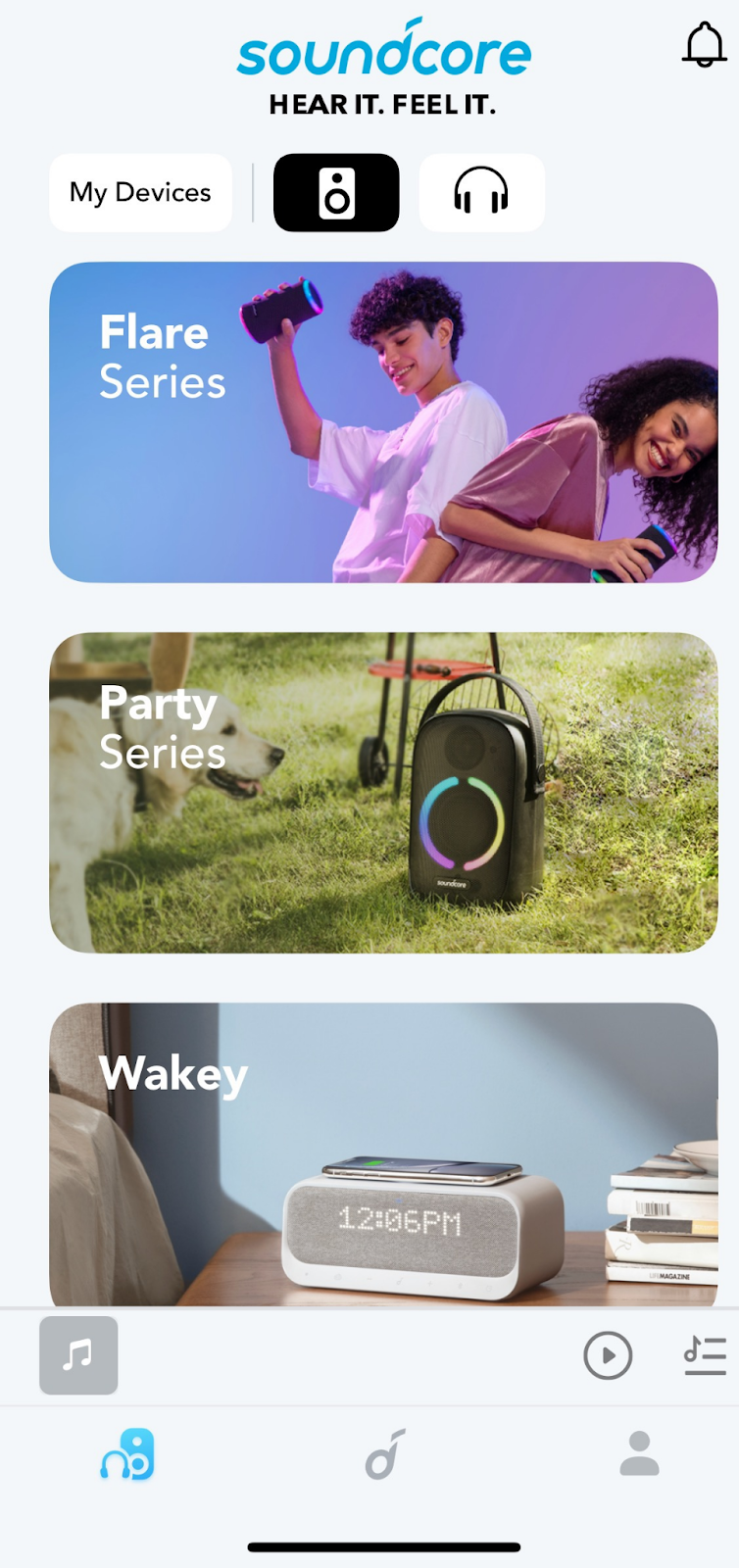
The Soundcore app is available on iOS and Android devices. It can be installed from the Google Play Store or the Apple App Store .


2. Connect the Soundcore speaker with your device via Bluetooth (i.e. a smartphone or tablet)

3. Open the Soundcore app and choose the correct speaker on the app, it will connect automatically.

4. Use the Soundcore app for enhanced product experience. 

Note: Different speaker models have different app functions. For detailed device settings, please check "Settings" on the product page. 


If you still cannot connect to the Soundcore App properly, please contact us at service@soundcore.com for further assistance. Make sure to mention that you have tried the listed steps so our agents do not ask you to repeat these steps.

How Do I Connect to the Soundcore App?
167 undefined
Unlock Our New Easy-To-Use Warranty Service
256502 views/362 likes/2025-04-08 16:02:12
soundcore parts and accessories
27170 views/1 likes/2025-04-08 16:00:05
Soundcore App Introduction
40445 views/3 likes/2025-04-08 16:00:37
How Do I Connect to the Soundcore App?
23662 views/3 likes/2025-04-08 16:00:47
How to reset a soundcore speakers
19473 views/8 likes/2025-04-08 16:00:34
Soundcore Warranty Policy
55874 views/10 likes/2022-10-13 11:05:11
How Do I Customize the EQ on my Speaker?
18652 views/1 likes/2025-04-08 16:00:04
soundcore speakers failed to connect with my devices
13363 views/1 likes/2025-04-08 15:56:00
How to Pair Two Soundcore Motion+ Speakers Together?
9324 views/3 likes/2025-04-08 16:00:47
How to charge and power on soundcore speakers
13169 views/3 likes/2025-04-08 15:56:00
A3373_Infini_2_Declaration of Conformity
A3373_Infini 2_Manual
A33A1_Rave Neo 2 SE_QSG (CA-Costco Customized Version)
A33A1 Rave Neo 2 SE Manual (CA-Costco Customized Version)
A33A1_Rave Neo 2_QSG
A33A1_Rave Neo 2_Manual
View More
How to pair Rave Neo 2 with Select Pro
How to pair Rave Neo 2 with Rave Neo
How to pair Rave Neo 2 with Flare 2
How to pair Rave Neo 2 with Rave PartyCast
How to pair Motion Boom Plus with Rave PartyCast
How to pair Rave Neo, Rave PartyCast, and Trance Go Speakers via PartyCast
View More
Contact Us