How do I turn the microphone on/off via touch controls?
This article will show you how to turn on/off the soundcore Liberty 5 microphone.
This feature is disabled by default. To enable it, open the soundcore app, go to Controls > Call, and toggle on Microphone On/Off.
If you encounter any other issues or your issue has not been resolved, please contact soundcore customer support for further assistance.

How do I turn the microphone on/off via touch controls?


31 undefined
soundcore Liberty 5 Earbuds FAQ
5152 views/
1 likes/2025-05-07 17:29:53
What should I do if the app firmware update fails?
3055 views/
1 likes/2025-04-29 17:15:06
What do the LED indicators on the case mean?
2572 views/
1 likes/2025-05-07 17:15:24
How do I adjust the volume via touch controls?
2394 views/
1 likes/2025-05-07 17:15:24
How to Fix soundcore Liberty 5 Earbuds Pairing Issues
2213 views/
1 likes/2025-05-07 17:14:15
How to Fix soundcore Liberty 5 Earbuds Battery Issues
1977 views/
1 likes/2025-05-07 17:14:15
Why does the music pause or noise cancellation change automatically?
1953 views/
1 likes/2025-05-07 17:15:24
How do I turn the microphone on/off via touch controls?
1852 views/
1 likes/2025-05-07 17:15:24
What should I do if one earbud is quieter than the other?
1719 views/
1 likes/2025-04-29 17:15:06
What should I do if the other person can't hear me clearly during calls?
1530 views/
1 likes/2025-05-07 17:15:24

Liberty Air 2 Pro A3951 User Manual

A3951 Liberty Air 2 Pro DOC

A3952 Liberty 3 Pro Quick Start Guide

A3952 Liberty 3 Pro DOC

A3952 Liberty 3 Pro User manual

Liberty 4_A3953_QSG
View More


Liberty Air 2 Pro - Escape Into Pure Sound
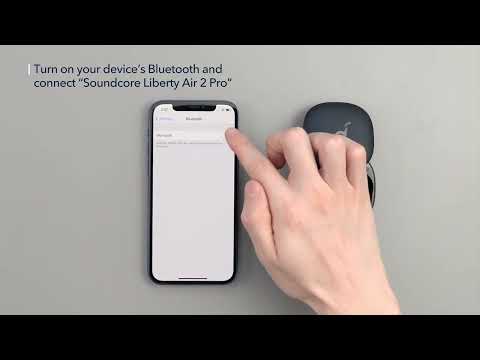

How To Use Soundcore Liberty Air 2 Pro


How to Power Liberty Air 2 Pro and Use the Controls


How to Use HearID and Custom EQ of Liberty Air 2 Pro


How to Update Liberty Air 2 Pro’s Firmware
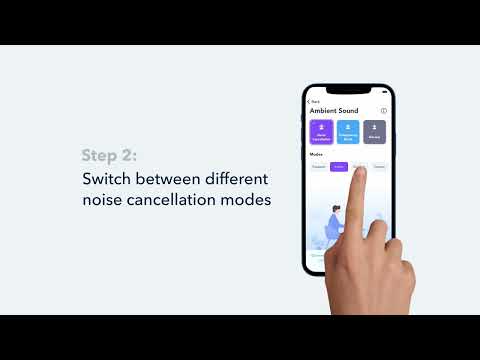

How to Switch Between Modes in the Soundcore App for Liberty Air 2 Pro A3951
View More