How do I reset soundcore P42i?
Resetting the earbuds can resolve persistent connection issues or restore them to their original settings. Here's how.
-
Place the earbuds in the charging case and leave the case open.
Press and hold the button on the charging case for 10 seconds until the LED indicator flashes quickly 3 times, confirming the reset is successful.
-
If the reset fails, please try the following troubleshooting steps:
-
Ensure the earbuds are properly seated and connected to the charging case.
-
Make sure both the charging case and the earbuds have sufficient battery.
-
Use a dry cloth to clean the charging pins, removing any dirt or debris that might be blocking the connection.
If you need further assistance, please don't hesitate to contact us.


56 undefined

soundcore Liberty Buds User Guide (D1200)
soundcore Liberty Buds 取扱説明書 (D1200)
soundcore Liberty Buds دليل المستخدم (D1200)
soundcore Liberty Buds Ръководство за потребителя (D1200)
soundcore Liberty Buds Korisničko uputstvo (D1200)
soundcore Liberty Buds Uživatelská Příručka (D1200)
View More

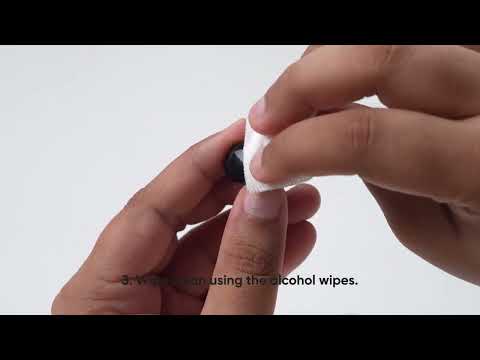
How to Deep Clean Liberty Buds | soundcore Support
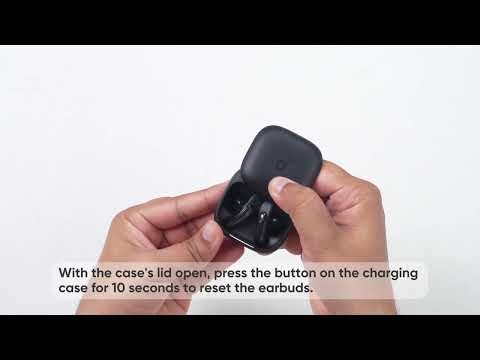
How to Reset Liberty Buds | soundcore Support

How to Wear Liberty Buds Correctly | soundcore Support

How to Connect to 2 Devices at the Same Time | soundcore Support
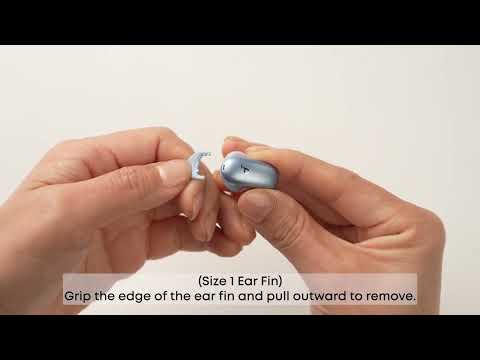
How Do I Wear My soundcore Liberty 5 Pro Properly?

How Do I Use the Liberty 5 Pro's Touch Controls?
View More


