If you are experiencing soundcore P41i volume is low, you can find the solution in this article.
1. You can sync the volume of your phone with your earbuds:
- On Android: Enable Absolute Volume in Developer Options on your phone, or turn on Device Volume Sync to match the earbud volume with your phone.
- On iPhone: Disable the maximum volume limit on your phone. Go to Settings > Sounds & Haptics > Headphone Safety, and turn off Reduce Loud Sounds.
2. Fully charge your earbuds and reset them as follows:
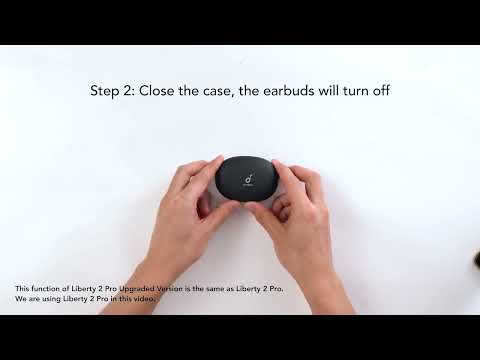
- Place the earbuds in the charging case and leave the case open.
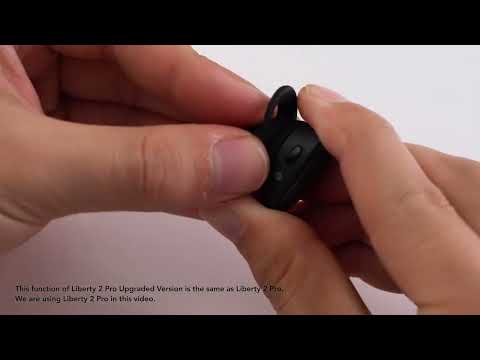
- Press the button on the right side of the case for 10 seconds. The Bluetooth icon and the L and R battery level indicators on the case display will blink three times, indicating a successful reset.
3. Reconnect your earbuds and set the volume to maximum on both your equipment and earbuds.
4. Gently clean the speaker mesh with a cotton swab and rubbing alcohol.
5. If the connection is to a cell phone,in the soundcore app, disable the maximum volume limit in Safe Volume > Limit High Volume.
If you encounter any other issues or your issue has not been resolved, please contact us for further assistance.