If you use soundcore P41i and the other party can't hear you clearly during a call, you can find a solution in this article.
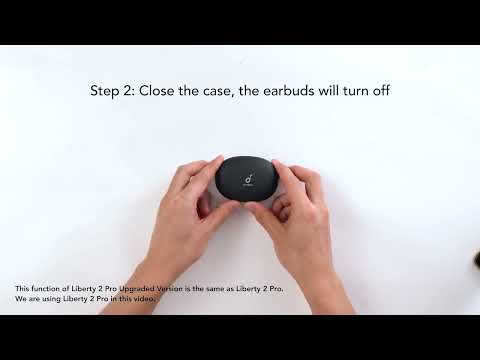
1. If using only one earbud, make sure the other earbud is in the charging case.
2. Try using ear tips that fit more snugly and ensure the earbuds are positioned correctly to create a proper seal. An improper fit can affect call quality.
3. Ensure "soundcore P41i" is selected as the audio output on your connected device and increase the volume on your device.
4. If the call was made through an app, try using your phone's native calling feature instead to see if the issue persists.
5. Test the earbuds with a different Bluetooth device and in a different environment to see if there is any difference.
If you encounter any other issues or your issue has not been resolved, please contact us for further assistance.