What should I do if the app firmware update fails?
If the soundcore Liberty 5 firmware update failed to work, you can find the solution in this article.
1. Ensure your earbuds have sufficient power and try again with a stable network connection.
2. If the installation fails, uninstall and reinstall the soundcore app, restart your phone, and try again.
3. Try using a different phone.
4. Modify location permissions and settings: Go to Settings > Privacy > soundcore > Location > Allow Only While Using the App.
If the issue persists, please provide your phone model and the SN from the app for further investigation.
If you encounter any other issues or your issue has not been resolved, please contact soundcore customer support for further assistance.


32 undefined

Liberty Air 2 Pro A3951 User Manual
A3951 Liberty Air 2 Pro DOC
A3952 Liberty 3 Pro Quick Start Guide
A3952 Liberty 3 Pro DOC
A3952 Liberty 3 Pro User manual
Liberty 4_A3953_QSG
View More


Liberty Air 2 Pro - Escape Into Pure Sound

How To Use Soundcore Liberty Air 2 Pro

How to Power Liberty Air 2 Pro and Use the Controls

How to Use HearID and Custom EQ of Liberty Air 2 Pro

How to Update Liberty Air 2 Pro’s Firmware
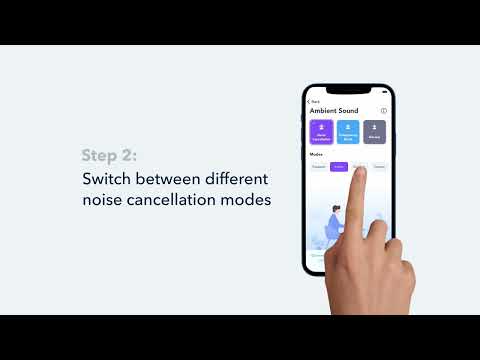
How to Switch Between Modes in the Soundcore App for Liberty Air 2 Pro A3951
View More


