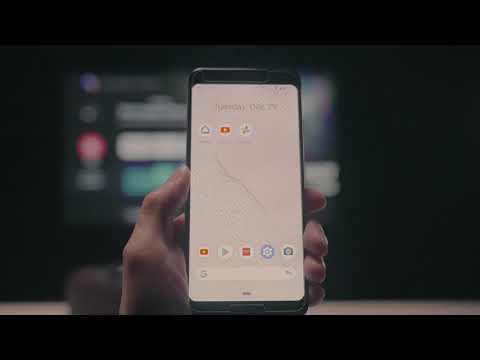
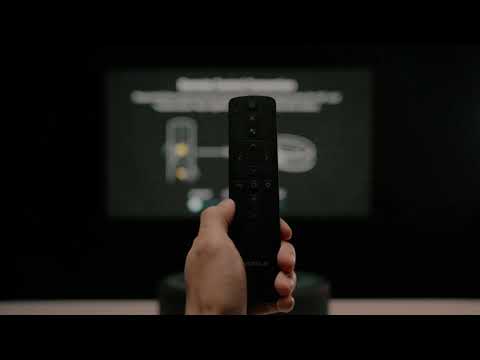
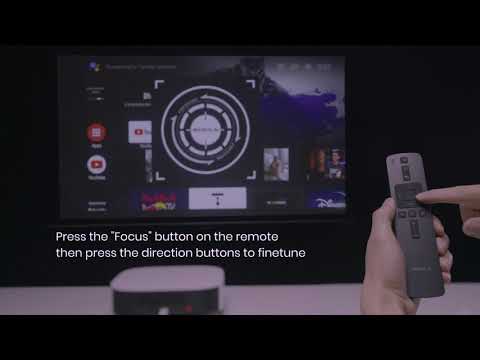
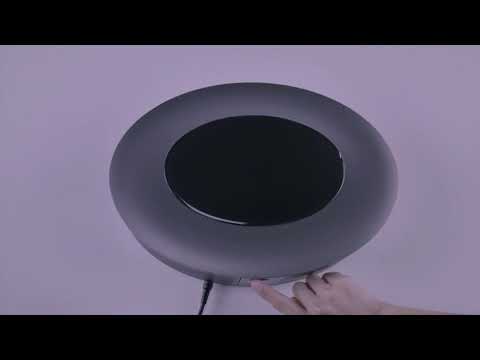
Our projectors can be divided into two different categories according to their operating system. One is projectors with the Android system, and the other one is projectors with the Android TV system.
What is Android TV?
Simply put, Android TV is designed to bring a similar user experience platform that you enjoy on your smartphone or other smart devices to your TV or projector.
Essential entertainment apps are available, and there's the opportunity for Android's app developers to adapt apps for the big screen experience that can be anything from information to entertainment services. Android TV lets you quickly customise your projector's content to suit your needs.
Android TV has Google Play Store preloaded, which allows you to download over 5,000 apps including Hulu, Disney+, HBO, and many more.
What is Android?
Android is a mobile operating system based on a modified version of the Linux kernel and other open source software. It's designed primarily for touchscreen mobile devices, such as smartphones and tablets.
Some of our projectors, like the Capsule, come with the Android system version. We have provided an App Store called Nebula Manager on our Android projectors, where you can install many popular streaming apps like Netflix, YouTube, Amazon Prime Video.
You can find each projector's operating system and app store shown in the chart below.
|
|
|
|
|
|
|
|
|
|
|
|
|
|
|
|
|
|
|
|
|
|
|
|
|
|
|
|
|
|
|
|
|
|
|
|
|
|
|
|
|
|
|
|
|
|
|
|
|
|
|
|