Sleep A30 Special Tap Function Introduction and Usage Tips
Avoid tapping too lightly—the function may not register. Tap the plastic shell of the earbud with moderate force.
1. Default Tap Mode:
- Left earbud: Double-tap > Switch mode, Triple-tap > Decrease volume
- Right earbud: Double-tap > ANC on / off, Triple-tap > Increase volume
2. You can customize or disable tap functions in the Anker soundcore app.
3. Wear the earbuds correctly to avoid accidental touches, especially during side sleeping.
If you have any more issues or your issue has not been resolved, please contact us for further assistance.


20 undefined


How do I check the remaining charge of my charging case?
How do indicator lights behave while charging?
Why does one earbud drain battery faster than the other?
Why is there no Sleep Report data?
Why doesn’t the Sleep Reminder do anything when I turn it on?
What should I do if the earbuds stay connected to my device even after being placed in the charging case and the lid is closed?
What should I do if the earbuds won't charge in the charging case?

soundcore Sleep A30 Special User Guide (D1301S)
soundcore Sleep A30 (neu) Benutzerhandbuch (D1301S)

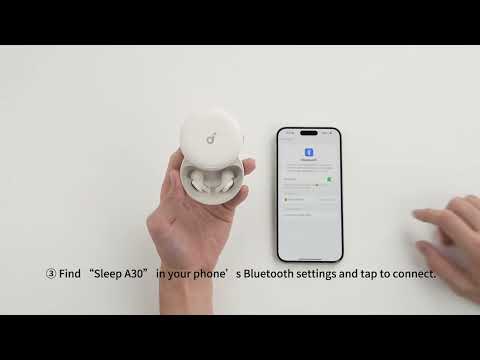
Connecting with Bluetooth
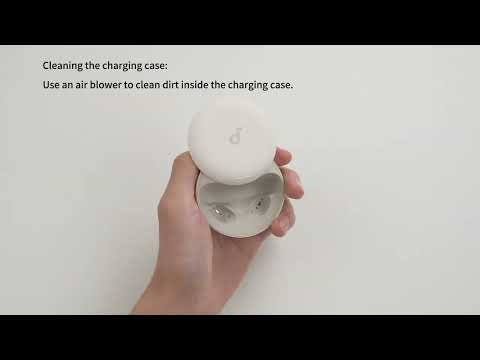
Deep Cleaning Your Earbuds

Setting Audio Timer
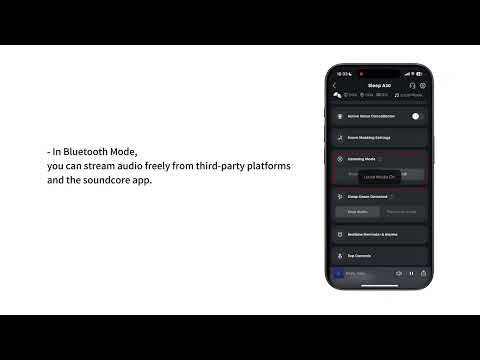
What are the two audio modes and how do I use them?
Setting Audio Playback for When You're Asleep
Set Up Your Sleep Audio Journey in the App
View More


