How to Reset soundcore A30i
This article will show you how to reset soundcore .
Make sure the charging case has enough power and reset the earbuds by following the steps below:
1) Open the charging case and take out the earbuds.
2) Press and hold the touch areas of both earbuds simultaneously for 10 seconds.
If you encounter any other issues or your issue has not been resolved, please contact us for further assistance.


26 undefined

Liberty Air 2 Pro A3951 User Manual
A3951 Liberty Air 2 Pro DOC
A3952 Liberty 3 Pro Quick Start Guide
A3952 Liberty 3 Pro DOC
A3952 Liberty 3 Pro User manual
Liberty 4_A3953_QSG
View More


Liberty Air 2 Pro - Escape Into Pure Sound
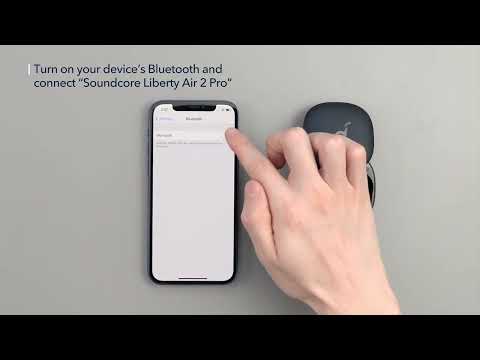
How To Use Soundcore Liberty Air 2 Pro

How to Power Liberty Air 2 Pro and Use the Controls

How to Use HearID and Custom EQ of Liberty Air 2 Pro

How to Update Liberty Air 2 Pro’s Firmware
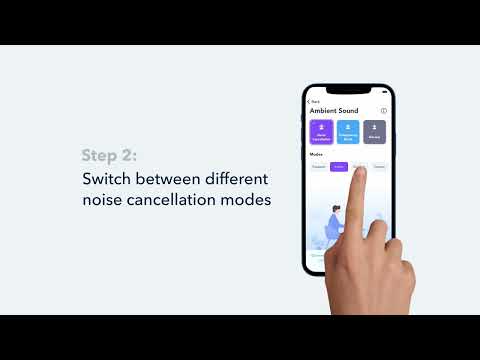
How to Switch Between Modes in the Soundcore App for Liberty Air 2 Pro A3951
View More


