How do I adjust the volume via touch controls on my P31i/R60i NC?
The feature is disabled by default. You can enable this feature in Controls in the soundcore app by going to Controls > Single Tap > Volume -/+.
If you encounter any other issues or your issue has not been resolved, please contact us for further assistance.


45 undefined

soundcore Liberty Buds User Guide (D1200)
soundcore Liberty Buds 取扱説明書 (D1200)
soundcore Liberty Buds دليل المستخدم (D1200)
soundcore Liberty Buds Ръководство за потребителя (D1200)
soundcore Liberty Buds Korisničko uputstvo (D1200)
soundcore Liberty Buds Uživatelská Příručka (D1200)
View More


How to Deep Clean Liberty Buds | soundcore Support
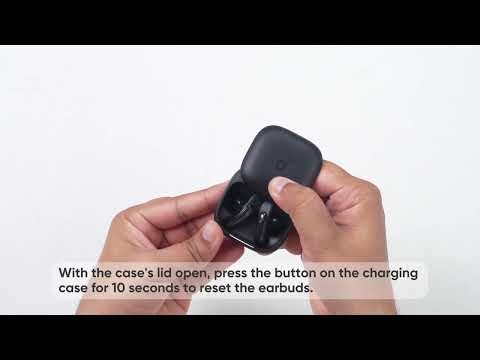
How to Reset Liberty Buds | soundcore Support

How to Wear Liberty Buds Correctly | soundcore Support

How to Connect to 2 Devices at the Same Time | soundcore Support

How Do I Wear My soundcore Liberty 5 Pro Properly?

How Do I Use the Liberty 5 Pro's Touch Controls?
View More


