Why is Liberty 2 Pro Upgraded Version not in LDAC mode when connected to my device?
Please refer to the following steps:
1. Make sure your phone supports LDAC. Android phones prior to version 8.0 and all iOS devices do not support LDAC.
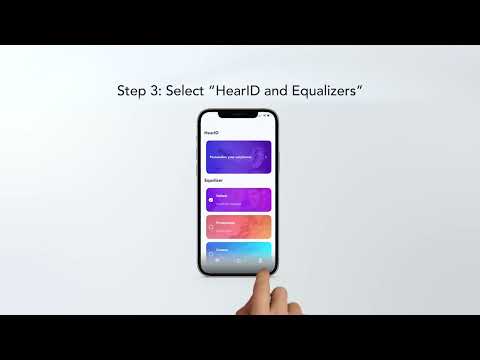
2. LDAC is not the default audio codec. It needs to be set via the Anker soundcore app (2.7.0 and newer versions).
- Pair the earbuds with Anker soundcore app.
- Select "Sound Quality Mode" in settings.
- Select "Preferred Audio Quality".
3. For Samsung S series and Note series users, please select LDAC in your phone's Bluetooth settings before using the LDAC mode.
If you have additional questions, please contact us at Service@soundcore.com for further assistance. Make sure to mention that you have tried the steps in this FAQ so our agents do not ask you to repeat these steps.