What should I do if the screen fit function does not work?
Currently, only a 4-border screen is supported. Borderless and 2-border screens are not supported. Please make sure that the projected image fully covers the template and the pattern image is completely within the screen.
Also, please make sure that auto screen fit has been enabled at Settings > Projector > Image Correction > Auto Screen Fit.
Also, please make sure that auto screen fit has been enabled at Settings > Projector > Image Correction > Auto Screen Fit.


20 undefined
How to fix if my Mars 3 Air won't power on or charge?


What should I do if my canpsule 3 cannot be charged?
What should I do if Capsule 3 can't connect to Wi-Fi?
Firmware Release Notes for Mars 3 Air
Firmware Release Notes for Capsule 3
Can the USB-C Port from the Capsule 3 Support Working with HDMI?
What is Capsule 3/Mars 3 Air's projection distance?
What should I do if the voice assistant on YouTube does not work?
How Do I Pair Bluetooth Devices with nebula google TV projector?
How do I stream video or mirror from a Windows 10 PC to Capsule 3/Capsule 3 Laser/mars 3/Mars 3 air/Cosmos 4K SE/Nebula X1/Nebula X1Pro?

Capsule_3_D2425_Manual
Mars 3 Air_Manual(DE)
D2425_Capsule_3_QSG
【D2325】 Nebula Mars 3 Air EU Declaration
Mars 3 Air_QSG
【D2425】Nebula Capsule 3 EU Declaration
View More

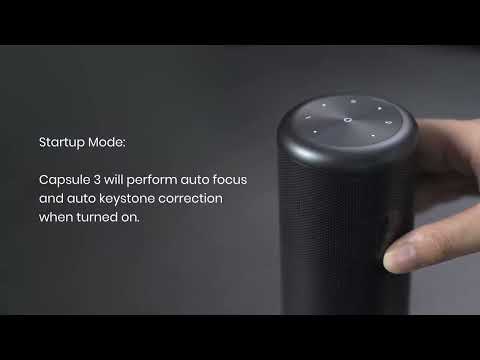
Auto and Manual Keystone Correction
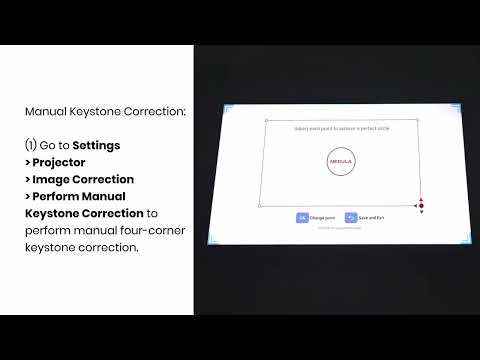
Manual Keystone Correction and Zoom
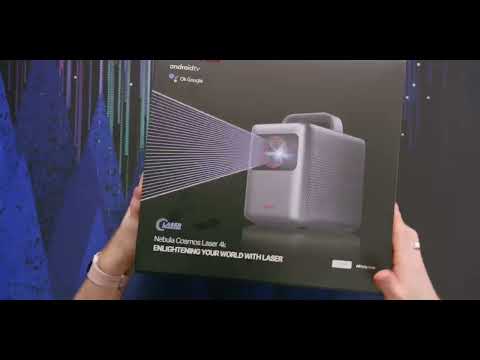
Input and Output
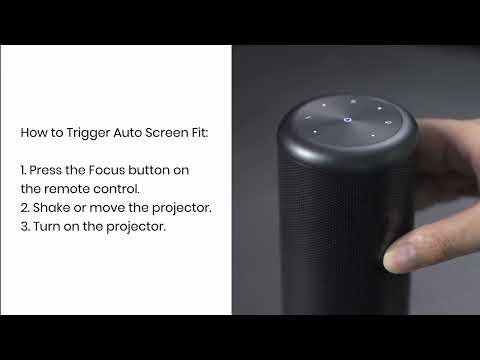
Auto Screen Fit (EN)
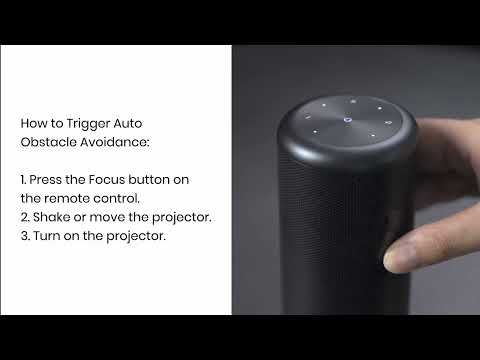
Auto Avoidance
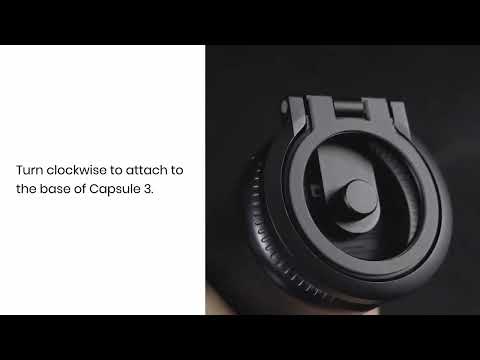
How to Use the Stand
View More


