What should I do if soundcore V40i is prone to accidental touches?
If you are bothered by the soundcore V40i's tendency to accidental touches, you can find a solution in this article.
1. Clean the touch-control area regularly to avoid accidental touches caused by sweat accumulation.
2. In the Anker soundcore app, go to Controls and toggle on Control Lock to disable the touch controls.

If you encounter any other issues or your issue has not been resolved, please contact us for further assistance.


20 undefined


How to Charge Your Headphones and Maintain Battery Health
soundcore V40i Earbuds FAQ
Tips for Using Your New soundcore V40i
What should I do if the soundcore V40i call quality is poor?
How do I turn off the touch controls?
How to Get Better Noise Cancellation

soundcore V40i User Guide (A3878)
soundcore V40i 用户指南 (A3878)
soundcore V40i Руководство пользователя (A3878)
soundcore V40i 用戶指南 (A3878)
soundcore V40i Guida per L'utente (A3878)
soundcore V40i Guía del Usuario (A3878)
View More

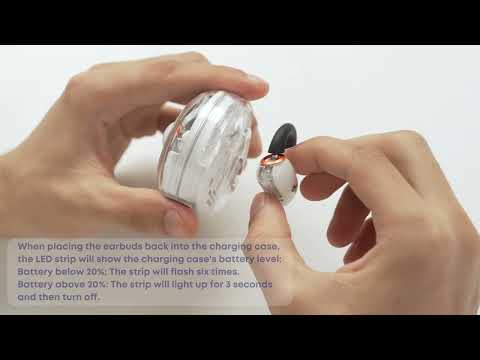
How to Charge soundcore V40i

What's in the Box and First Time Connecting soundcore V40i

How to Use the Touch Controls of soundcore V40i
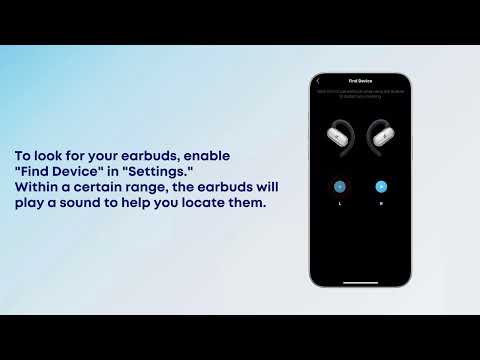
[All in one] How to Use soundcore V40i

How to Wear soundcore V40i
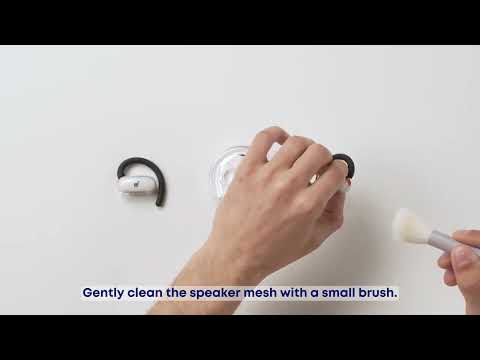
How to Clean and Maintain soundcore V40i
View More


