You can try the general troubleshooting steps and let us know if it works:
1) Upgrade the Soundcore App.
2) Forget the pairing record on your device and turn off the Bluetooth on your phone.
3) Reset the headphones.
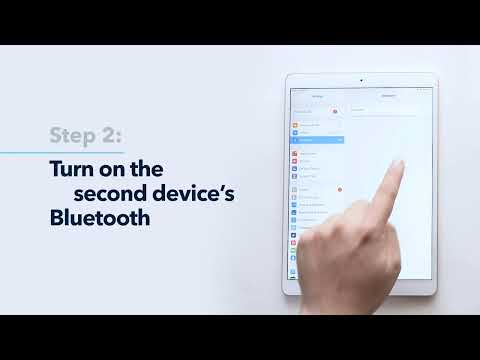
4) Enable Bluetooth on your phone. You should find the device name on the Bluetooth list.
5) Select the headphones and start pairing. A blue light will flash slowly, indicating that pairing is successful.
Once done, open the Soundcore App and try the following steps:
- Connect the headphones to the phone
- Open the Soundcore app, pull down my device to the bottom and click ''Add Devices''
- Then choose Headphones and then it will pop up the headset's name for you to connect.
- If you did not get the pop-up screen, please click Set Up Manually
- Open the Soundcore app, and you will see "Life Series" on the home page- just click it-then you will see the name of the headphones on the list- Click "connect"
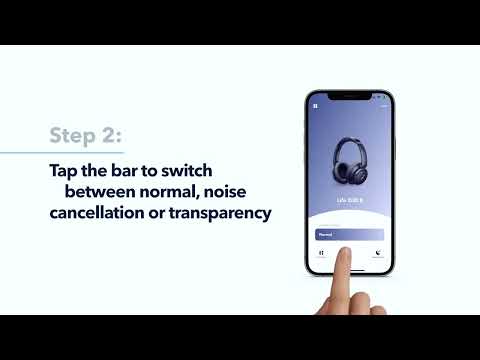
Now, allow us to show you the proper steps to find your headphones(such as Life Q35) in the app.
Here are tips to reset Soundcore’s over-ear headphones:
|
|
|
|
|
|
|
|
|
If you have additional questions, please contact us at Service@soundcore.com for further assistance. Make sure to mention that you have tried the steps in this FAQ so our agents do not ask you to repeat these steps.