What should I do if I can't find AeroClip in the Anker soundcore app?
If you're having trouble finding AeroClip in the Anker soundcore app, you can find a solution in this article.
1. Connect AeroClip to your phone.
2. Open the Anker soundcore app.
3. On the main screen, tap the earbud icon.
4. Select "AeroClip" to connect.
If you encounter any other issues or your issue has not been resolved, please contact us for further assistance.


20 undefined
What should I do if the music quality is poor?


How to Charge Your Headphones and Maintain Battery Health
How does AeroClip compare to C30i or C40i?
What should I do if I cannot enter the Anker soundcore app?
Tips for Using Your New soundcore AeroClip
Why isn't the EQ setting working?
How to Use AeroClip's Tap Controls
How to Improve Bass or Sound Quality on AeroClip

soundcore AeroClip User Guide (A3388)
soundcore AeroClip Benutzerhandbuch (A3388)
soundcore AeroClip Guía del Usuario (A3388)
soundcore AeroClip دليل المستخدم (A3388)
soundcore AeroClip מדריך למשתמש (A3388)
soundcore AeroClip Οδηγός χρήσης (A3388)
View More

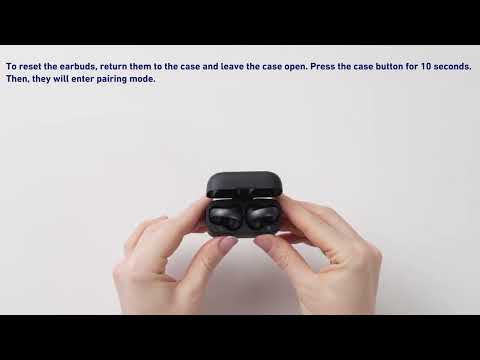
How to Pair soundcore AeroClip with a New Device
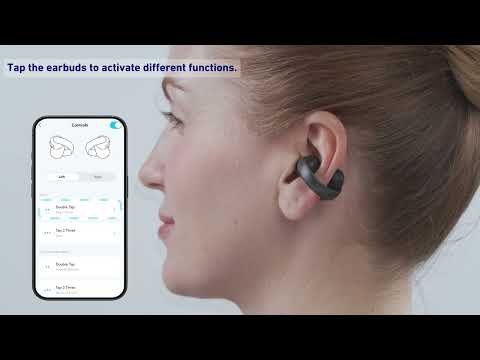
How to Use soundcore AeroClip Tap Controls

What's in the Box of soundcore AeroClip
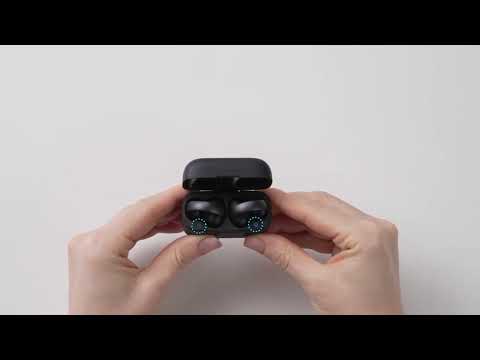
How to wear soundcore AeroClip
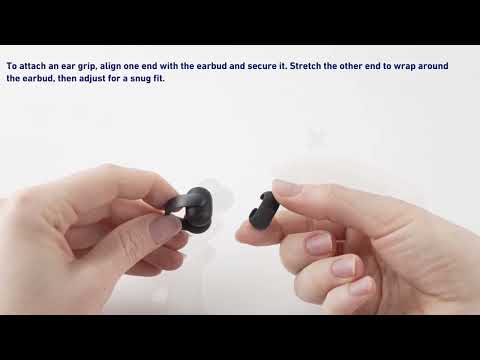
How to Install the Ear Grips of soundcore AeroClip
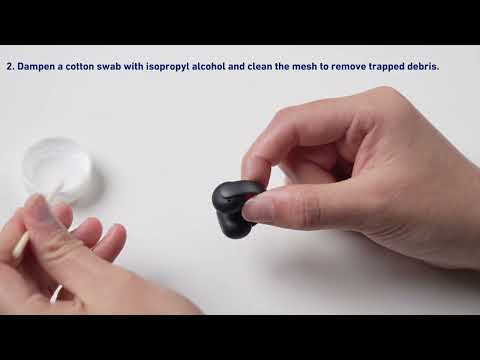
How to Clean soundcore AeroClip
View More


