This article will show you the meaning of soundcore P41i charging case icon.
1. Bluetooth Pairing / Dual Connections
The screen activates after opening the case and displays the battery levels of both the earbuds and the case.
During pairing, the Bluetooth icon blinks continuously and stays on once connected.
The screen will turn off after 30 seconds of inactivity.
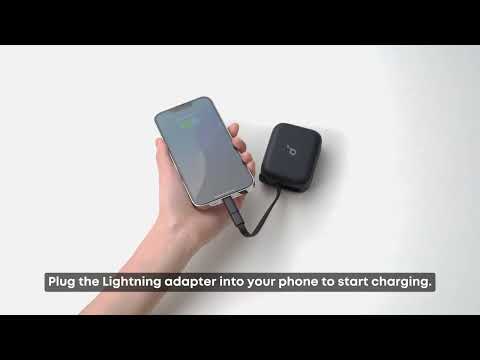
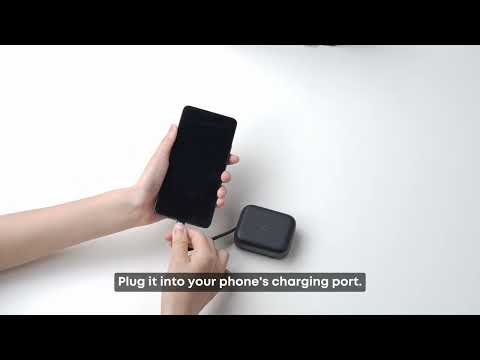
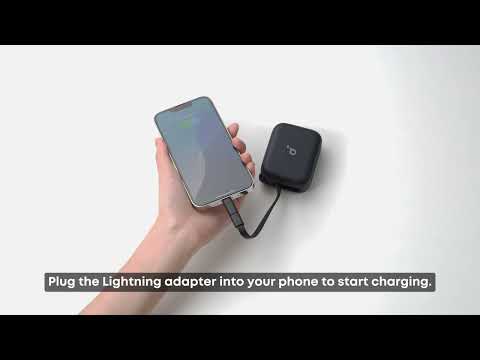
2. Emergency Phone Charging
When the cable is connected to charge the phone, the screen activates to display the battery levels of the earbuds and case, with the arrow icon showing.
After 10 seconds, the earbuds' battery level disappears, but the case battery level and arrow icon stay on.
The screen will turn off after 30 seconds of inactivity.
3. Earbuds and Case Charging
Connecting the power supply activates the screen.
The screen shows the battery levels of the earbuds and case, with the arrow icon present.
After 10 seconds, the earbuds' battery level disappears, but the case battery, arrow, and blue logo icons remain on.
Once the USB-C cable is unplugged, the screen will turn off.

If you encounter any other issues or your issue has not been resolved, please contact us for further assistance.