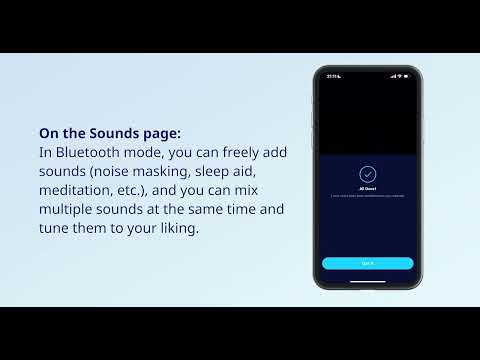
How to switch between Bluetooth mode and Sleep mode?

This article will show you switch between Bluetooth mode and Sleep mode on Sleep A20.


1. Firmly tap the left earbud twice.

2. Switch via the Anker soundcore app.

3. After turning on the Smart Switch, the earbuds will automatically switch to Sleep mode when the earbuds detect that the user is asleep, and switching to Sleep mode will play built-in sleep sounds by default.


If you encounter any other issues or your issue has not been resolved, please contact us for further assistance.
Unresolved icon
20 undefined
Download icon
soundcore Sleep A20 User Guide (A6611)
Download icon
Soundcore Sleep A20 取扱説明書 (A6611)
Download icon
soundcore Sleep A20 Guide de l'utilisateur (A6611)
Download icon
soundcore Sleep A20 Guida per L'utente (A6611)
Download icon
soundcore Sleep A20 Gebruikersgids (A6611)
Download icon
soundcore Sleep A20 用戶指南(A6611)
View More
Play video
How to Use Sleep A20 on the Anker soundcore app | soundcore Support
Play video
Unboxing and Wearing Sleep A20 | soundcore Support
Play video
How to Connect the Sleep A20 to Bluetooth | soundcore Support
Play video
How to Deep Clean Your Sleep A20 | soundcore Support
Play video
How to Re-Pair or Reset Sleep A20 | soundcore Support