How to adjust the EQ of soundcore Motion+ speaker
You can customize the EQ to get the best sound of your soundcore Motion+ speaker. Please follow these steps:
1. Connect your phone to the soundcore Motion+ via Anker soundcore app.

2. Click the Motion+ icon, and you will see the page below.

3. Click the Bass Off icon.

4. You will see the Wave Equalizer and switch to Custom EQ.

5. You can now customize your sound.

If you still have any questions, please contact us for further assistance.


20 undefined


What Should I Do If There is No Sound After Connecting My Motion+ with a PC via Bluetooth?
What Should I Do If My Soundcore Motion+ Cuts In and Out When It is in Stereo Pairing Mode?
How to Connect Soundcore Motion+ to a MacBook or Windows Laptop?
Payments & Vouchers FAQ
Anker soundcore app Introduction
What Should I Do If I Can't Update the Firmware of a Speaker?
How Do I Connect to the Anker soundcore app?
What if You Fail to Connect the Speaker to the Anker soundcore app?
How Do I Customize the EQ on my Speaker?

soundcore Motion+ User Guide (A3116)
A3116_Soundcore_Motion+_Manual
soundcore Motion+ 取扱説明書 (A3116)
A3116_Soundcore_Motion+_QSG
soundcore Motion+ Руководство пользователя (A3116)
soundcore Motion+ Benutzerhandbuch (A3116)
View More

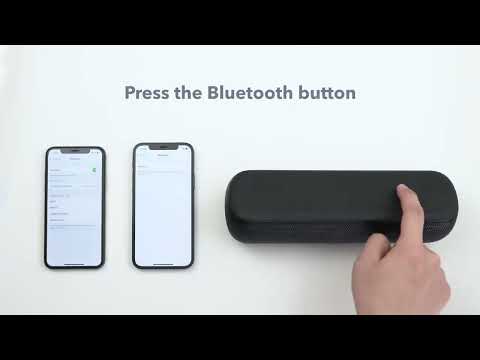
How to pair two devices with Motion+


