This article will show you how to enhance soundcore Liberty 4 Pro's noise cancellation effect.
1. Experiment with different sizes of ear tips to find the best fit and achieve a tight seal. If one earbud doesn't fit well, try using different sizes for each ear, such as medium in one ear and large in the other.
2. Use the Fit Test in the Anker soundcore app to verify that the earbuds are in an ideal position. If the earbuds are not worn properly, you may not experience the optimal noise cancelling performance.
3. Test the earbuds in various environments to see if there's a difference in performance. Since ear canals can differ between ears, try different sizes of ear tips for each ear if the Fit Test fails.
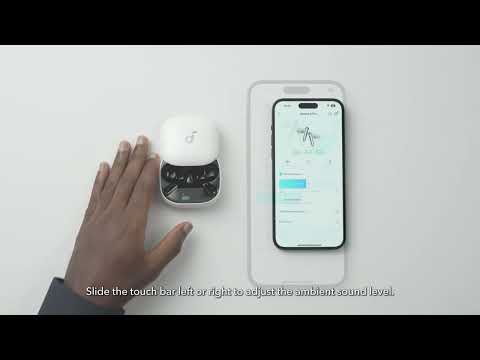
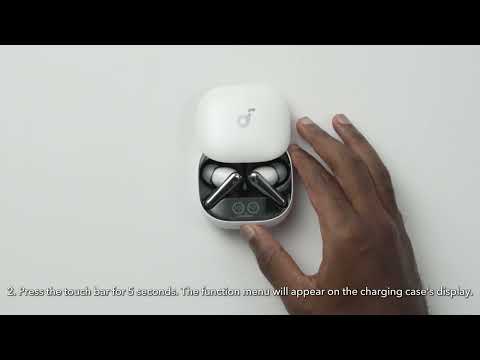
4. If the noise cancellation is not ideal in a low-pressure environment, such as airplanes or high-altitude locations, we recommend calibrating the air pressure via the Anker soundcore app or the charging case.
Note: In noisy environments or at high volumes, noise cancellation might seem less effective.
If you encounter any other issues or your issue has not been resolved, please contact us for further assistance.