This article will show you how to enhance Liberty 4 NC's noise cancellation effect.
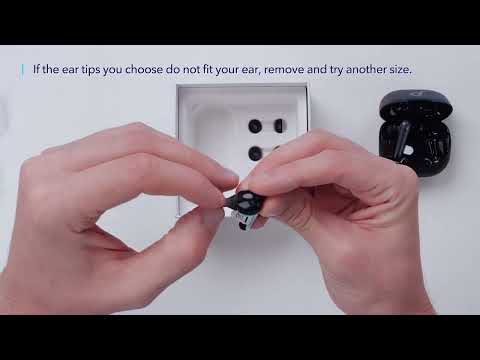
1. Try other sizes of ear tips to ensure the one you're using fits well and creates a tight seaI. If one earbud feels stable and the other does not, try a combination of ear tips such as medium on the left and large on the right.
2. To check if you're wearing the earbuds in the perfect position, take the Fit Test on the Anker soundcore app for more information. If the earbuds are not worn properly in your ears, you may not experience the best noise cancellation.
3. Make sure you turn on the active noise cancellation. You can check its status in the Anker soundcore app.
4. When using both earbuds for the first time, select Adaptive Noise Cancelling, so that the most appropriate noise reduction parameters will be selected according to your ear canals.
5. Test the earbuds in a different environment and with a different Bluetooth device to see if it makes any difference.
Note: In a noisy environment and at high volume, you may feel that the noise cancellation performance is not as strong.
If you encounter any other issues or your issue has not been resolved, please contact us for further assistance.