How to Download White Noise for soundcore Sleep A10
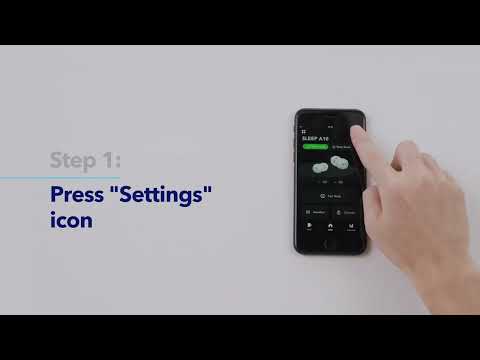
You have to download white noise in music mode. You can't download white noise in sleep mode and importing third-party audio sources is not supported. To download white noise, follow these steps:
1. Open the soundcore app on your phone and ensure the earbuds are connected to the app.
2. Click “Change” on the music mode page, then select your favorite sleep music and transfer it to the earbuds.
3. Switch to sleep mode for longer playtime.
If you have any more issues or your issue has not been resolved, please contact us for further assistance.