How do I use Sleep Timer on Sleep A20?
You can find detailed information about the Sleep A20's Sleep Timer feature in the article below and quickly learn how to use it.
There are three features in Sleep Timer:
- Stop Audio After Sleep (Bluetooth and Sleep Modes): Set the audio to automatically stop after 1 to 8 hours, in 30-minute intervals.
- Auto-Stop (Bluetooth and Sleep Modes): Automatically stops audio when you fall asleep.
- Smart Switch (Bluetooth Mode): Enable this feature to automatically switch from Bluetooth mode to Sleep mode when you fall asleep.
Note: When Auto-Stop is enabled, Stop Audio After Sleep and Smart Switch will be disabled.
If you have any more issues or your issue has not been resolved, please contact us for further assistance.


20 undefined
How to Register Your E-Warranty Card in the Soundcore App


How to Get Better Noise Cancellation
Guide to Locating the Serial Number (SN) of Your soundcore Headphones
Why does the case's battery level in the soundcore app differ from the actual battery level?
Why does Sleep A20 switch modes automatically?

soundcore Sleep A20 User Guide (A6611)
Soundcore Sleep A20 取扱説明書 (A6611)
soundcore Sleep A20 Guide de l'utilisateur (A6611)
soundcore Sleep A20 Guida per L'utente (A6611)
soundcore Sleep A20 Gebruikersgids (A6611)
soundcore Sleep A20 用戶指南(A6611)
View More

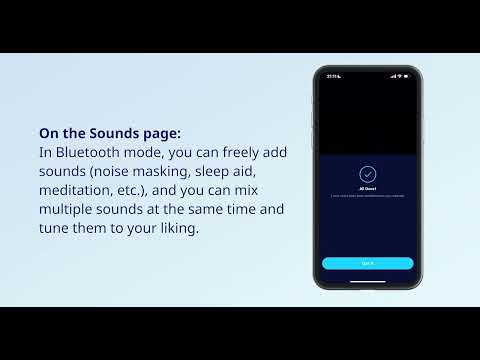
How to Use Sleep A20 on the soundcore App | soundcore Support

Unboxing and Wearing Sleep A20 | soundcore Support

How to Connect the Sleep A20 to Bluetooth | soundcore Support

How to Deep Clean Your Sleep A20 | soundcore Support

How to Re-Pair or Reset Sleep A20 | soundcore Support


