How do I turn the microphone on/off via touch controls?
This article will show you how to turn on/off the soundcore Liberty 5 microphone.
This feature is disabled by default. To enable it, open the soundcore app, go to Controls > Call, and toggle on Microphone On/Off.

If you encounter any other issues or your issue has not been resolved, please contact soundcore customer support for further assistance.


20 undefined
How to Register Your E-Warranty Card in the Soundcore App


Why do the touch controls on Liberty 5 feel unresponsive?
How do I reset soundcore Liberty 5?
What should I do if I experience discomfort after prolonged use?
What should I do if I hear background noise while using ANC mode?
Why does the music pause or noise cancellation change automatically?
What do the LED indicators on the case mean?
Why can't my Liberty 5 reconnect to my device after disconnecting or going out of range?

soundcore Liberty 5 User Guide (A3957)
soundcore Liberty 5 用戶指南 (A3957)
soundcore Liberty 5 Guía del Usuario (A3957)
soundcore Liberty 5 사용자 가이드 (A3957)
soundcore Liberty 5 Gebruikersgids (A3957)
soundcore Liberty 5 دليل المستخدم (A3957)
View More


How to Use Fit Test

How to Wear Liberty 5
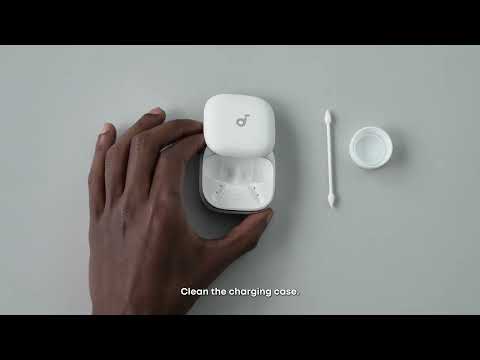
How to Clean Liberty 5
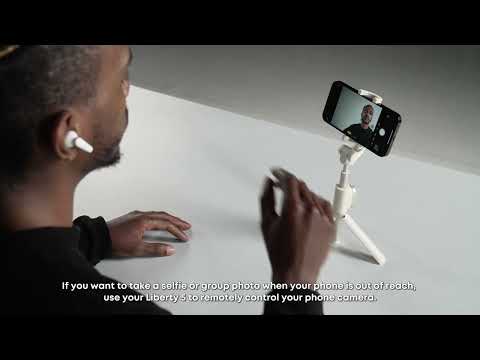
How to Control Your Phone Camera Remotely

How to Reset Liberty 5
How to Get Better Sound Quality from Liberty 5
View More


