How do I set an alarm with Sleep A30?
1. Connect the earbuds to your phone and open the app to access the control page.
2. Select “Bedtime Reminder & Alarm Clock” on the home page to set alarms (up to five alarms can be set).
3. Tap on individual alarms to customize the time, date and alarm sound.
If you have any more issues or your issue has not been resolved, please contact us for further assistance.


20 undefined
How do I turn off the Sleep A30 alarm when it goes off?


Why is the Sleep A30 alarm clock not accurate?
Sleep A30 Tap Function Introduction and Usage Tips
Why can Sleep A30 only store one white noise sound locally?
How do I download white noise to my Sleep A30?
What should I do if the sound quality is poor when using Sleep A30 in Bluetooth mode?
Why is the Sleep A30 Sleep Test not accurate?

soundcore Sleep A30 用戶指南 (D1301)
soundcore Sleep A30 Benutzerhandbuch (D1301)
soundcore Sleep A30 Guide de l'utilisateur (D1301)
soundcore Sleep A30 Guía del Usuario (D1301)
soundcore Sleep A30 Gebruikersgids (D1301)
soundcore Sleep A30 Руководство пользователя (D1301)
View More

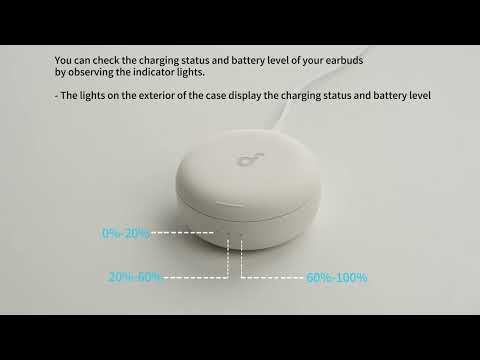
Sleep A30's Indicator Lights
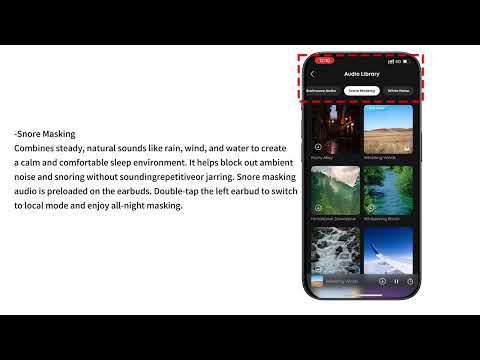
Audio Options for Sleep A30
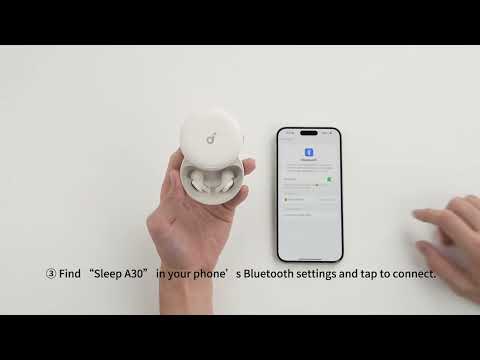
Connecting with Bluetooth
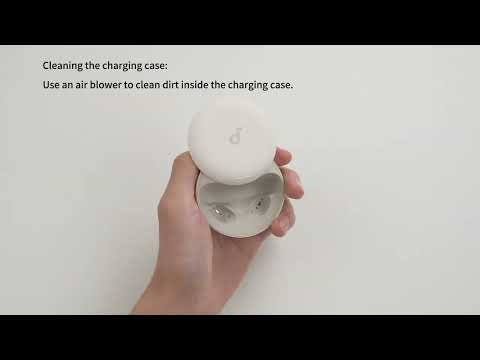
Deep Cleaning Your Earbuds

Setting Audio Timer
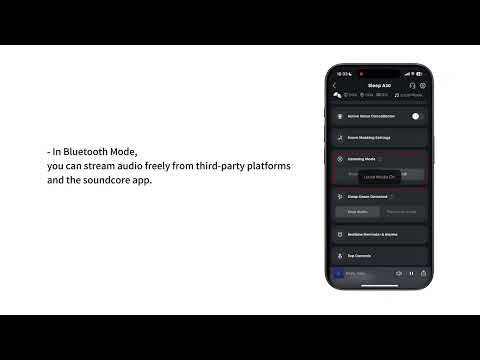
What are the two audio modes and how do I use them?
View More


