Bluetooth connected but no sound in soundcore speakers
Normally the sound coming from the speaker will be influenced by both the speaker and the paired device, so please check if the sound's volume on both the paired device and the speaker are turned up.
If there's no sound coming from your speaker, please try the following troubleshooting tips:
1. Confirm the speaker is fully charged.
2. Turn on and reset your speaker.
3. Restart your speaker and the device it is paired with to test again.
4. Try connecting the speaker with a different device if possible; try another app or audio source.
5. Make sure the volume on both the speaker and the paired device is turned up.
If you still have any questions, please contact us for further assistance.


204 undefined
Unlock Our New Easy-To-Use Warranty Service


How do I Distinguish between the Two Versions of the soundcore Motion+ Speaker?

A33A1_Rave Neo 2 SE_QSG (CA-Costco Customized Version)
A33A1 Rave Neo 2 SE Manual (CA-Costco Customized Version)
A33A1_Rave Neo 2_QSG
A33A1_Rave Neo 2_Manual
【A33A1】soundcore Rave Neo 2 EU Declaration
soundcore Rave Neo 2 User Guide (A33A1)
View More

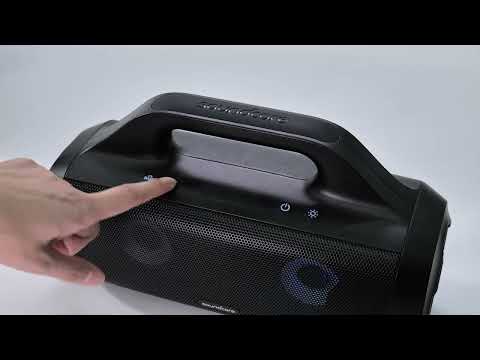
How to pair Rave Neo 2 with Select Pro
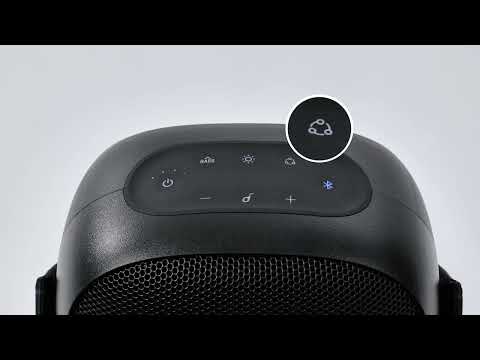
How to pair Rave Neo 2 with Rave Neo
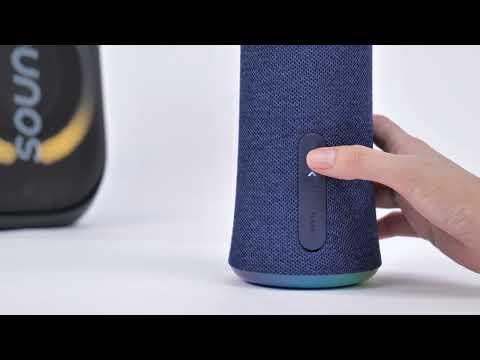
How to pair Rave Neo 2 with Flare 2
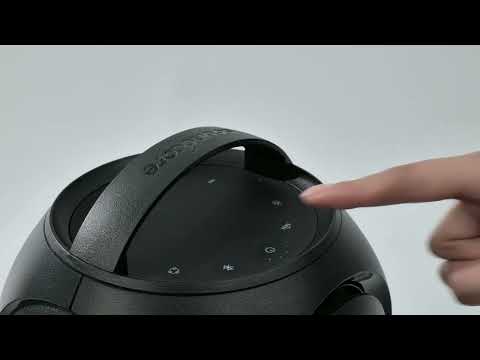
How to pair Rave Neo 2 with Rave PartyCast
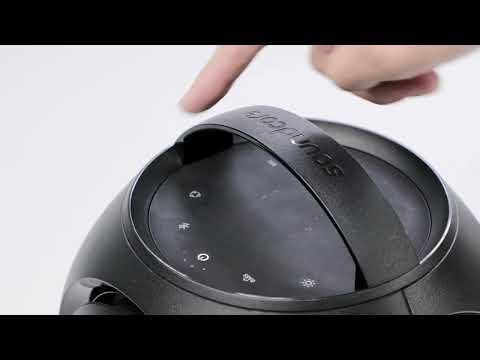
How to pair Motion Boom Plus with Rave PartyCast
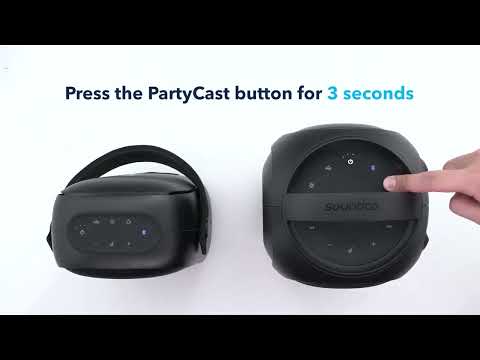
How to pair Rave Neo, Rave PartyCast, and Trance Go Speakers via PartyCast
View More


