soundcore speakers failed to connect with my devices
soundcore speakers' pairing does not need any PIN or passcode. If you fail to connect the speaker to your device, you can try the following steps:
1. Confirm the speaker is fully charged and it's not paired with other devices.
2. Forget all Bluetooth pairing records on your device.
3. Reboot your speaker and your device.
4. Disable and enable Bluetooth on your device.
6. Try to connect the speaker to another device.
7. Update the Bluetooth driver on your device to the latest version if it's a computer or laptop.
If your issue still exists, please contact us for further assistance.


209 undefined
Unlock Our New Easy-To-Use Warranty Service


How do I Distinguish between the Two Versions of the soundcore Motion+ Speaker?

A33A1_Rave Neo 2 SE_QSG (CA-Costco Customized Version)
A33A1 Rave Neo 2 SE Manual (CA-Costco Customized Version)
A33A1_Rave Neo 2_QSG
A33A1_Rave Neo 2_Manual
【A33A1】soundcore Rave Neo 2 EU Declaration
soundcore Rave Neo 2 User Guide (A33A1)
View More

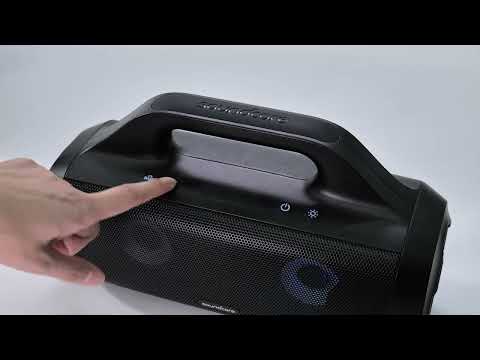
How to pair Rave Neo 2 with Select Pro
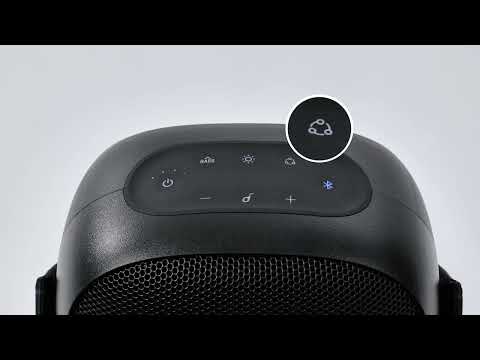
How to pair Rave Neo 2 with Rave Neo
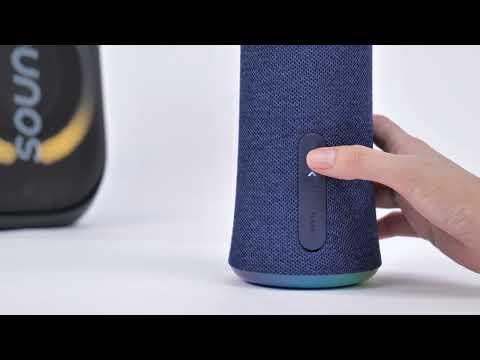
How to pair Rave Neo 2 with Flare 2
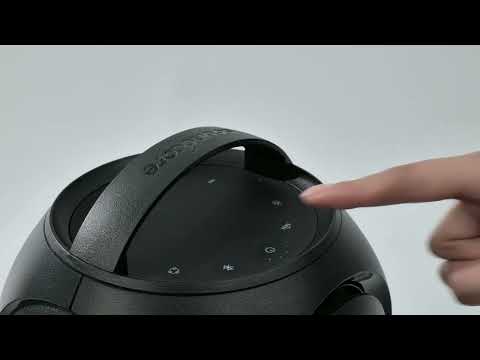
How to pair Rave Neo 2 with Rave PartyCast
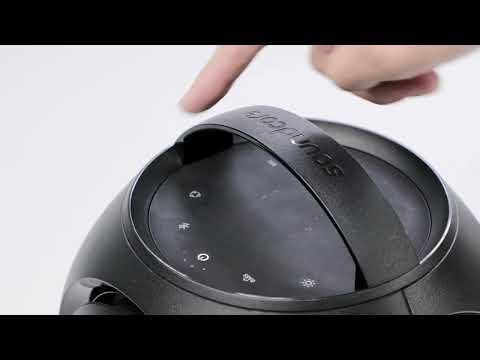
How to pair Motion Boom Plus with Rave PartyCast
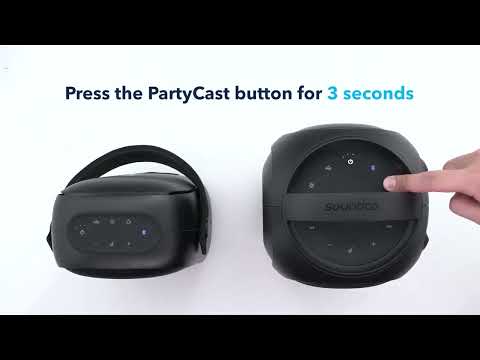
How to pair Rave Neo, Rave PartyCast, and Trance Go Speakers via PartyCast
View More


