The projector supports Chromecast, which means you can mirror or stream videos from your Android devices that support Chromecast. Chromecast is based on WiFi rather than Bluetooth. Copyrighted content from Netflix CANNOT be mirrored or screencast. Please download Netflix from Nebula Manager after installing the Nebula Manager app directly from Google Play Store on the projector.
Note: Some Android devices do not support Chromecast. To know which cast technology your Android device supports, please contact your Android device customer support directly.
Mirroring Your Android Device to the Projector
1. Connect your phone and the projector to the same network. Note: The network could be WiFi or your phone's hotspot.
2. Go to Settings>Connected Devices>Connection Preferences>Cast on your phone and select Nebula to start screen mirroring. Note: The method varies for different Android phones.
Streaming Videos From Your Android Devices to the Projector
1. Connect your phone and the projector to the same network. The network can be WiFi or your phone's hotspot.
2. Chromecast can only open applications that support Chromecast, such as YouTube and Prime Video. To find more information about apps that support Chromecast, please install the Google Home app on your phone.
3. When the app is playing a video, click the Chromecast button at the top to search for a Chromecast-compatible device. Select the Nebula projector and you can cast the video.
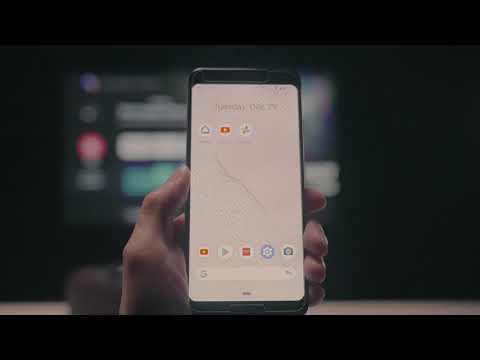
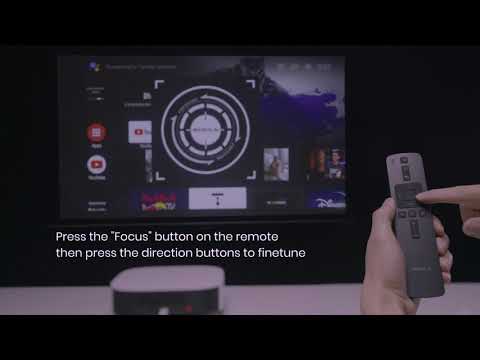
Here is a video for your reference.
If you cannot mirror properly, please contact us for further assistance.