Why doesn't soundcore Liberty 5 Pro Max Smart Voice Control understand my voice commands?
1. Smart Voice Control is disabled by default. First, enable it in the app: App > Smart Voice Control > Turn on Smart Voice Control.
2. You must use the preset voice commands in the app, which can be found in the app.
3. For better recognition, use Smart Voice Control in a quiet environment and speak clearly in a standard accent.
4. Smart Voice Control currently supports four languages: English, Chinese, Japanese, and German.
Note: When Smart Voice Control is enabled, battery life will be significantly reduced. We recommend turning it off when not in use.
If you encounter any other issues or your issue has not been resolved, please contact us for further assistance.


72 undefined

soundcore Liberty Buds User Guide (D1200)
soundcore Liberty Buds 取扱説明書 (D1200)
soundcore Liberty Buds دليل المستخدم (D1200)
soundcore Liberty Buds Ръководство за потребителя (D1200)
soundcore Liberty Buds Korisničko uputstvo (D1200)
soundcore Liberty Buds Uživatelská Příručka (D1200)
View More


How to Deep Clean Liberty Buds | soundcore Support
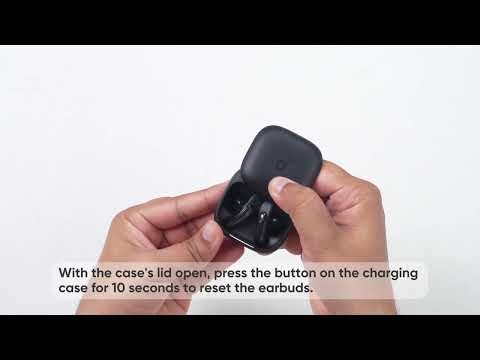
How to Reset Liberty Buds | soundcore Support

How to Wear Liberty Buds Correctly | soundcore Support

How to Connect to 2 Devices at the Same Time | soundcore Support
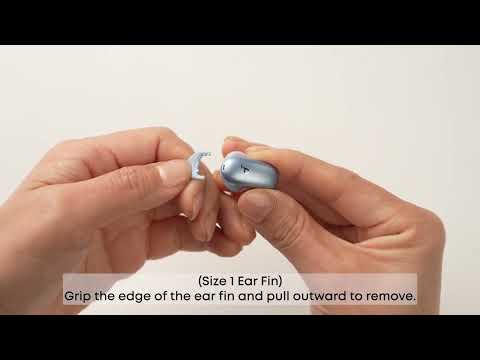
How Do I Wear My soundcore Liberty 5 Pro Properly?

How Do I Use the Liberty 5 Pro's Touch Controls?
View More


